How to show available placements in Mini Sudoku in LinkedIn
Here is how to show available placements in mini sudoku in linkedin
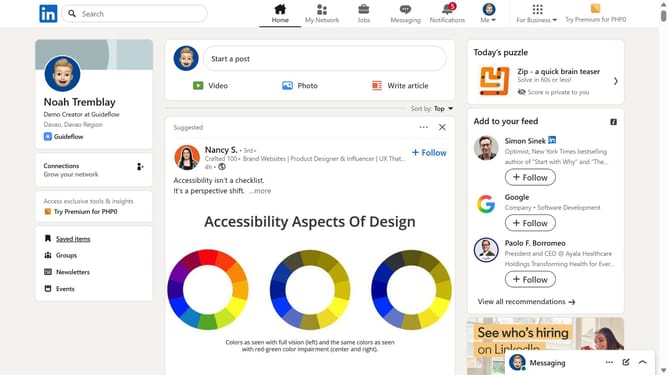
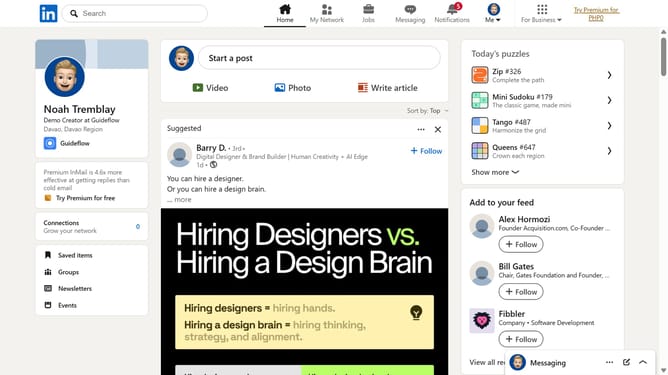
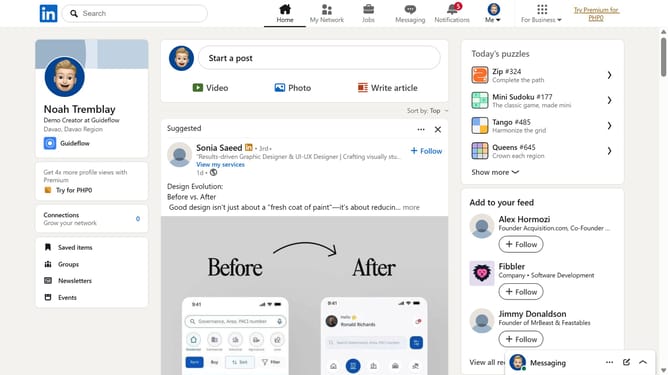
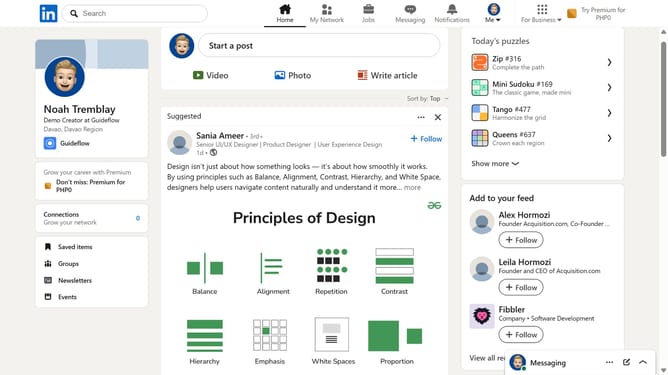
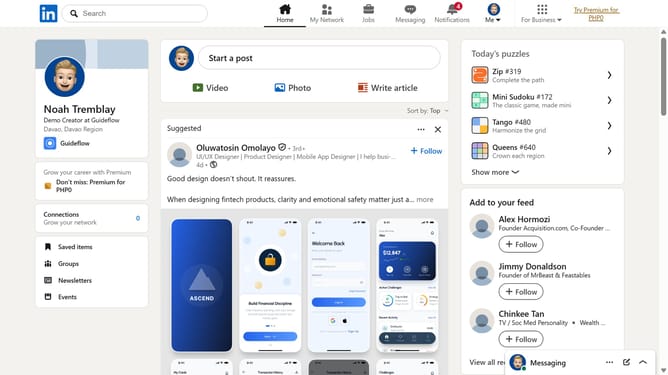
- First click on the "Mini Sudoku" game card in the right sidebar under the "Today's puzzle games" section
- Then click on the "Settings" dropdown button in the top right corner of the game interface
- Finally turn on the "Show available placements" toggle option in the settings menu
Why should you show available placements in Mini Sudoku in LinkedIn
LinkedIn is the ultimate professional networking platform designed to connect professionals across the globe.
The Mini Sudoku feature in LinkedIn showcases available placements, offering users a streamlined view of opportunities suited to their career path and interests.
Utilizing this feature allows for a visually engaging and time-efficient means to explore potential job matches, enhancing networking and career advancement efforts.
By spotlighting relevant positions, it empowers users to swiftly identify prospects and cultivate meaningful professional relationships.
Last update