How to share a space in GitHub Copilot
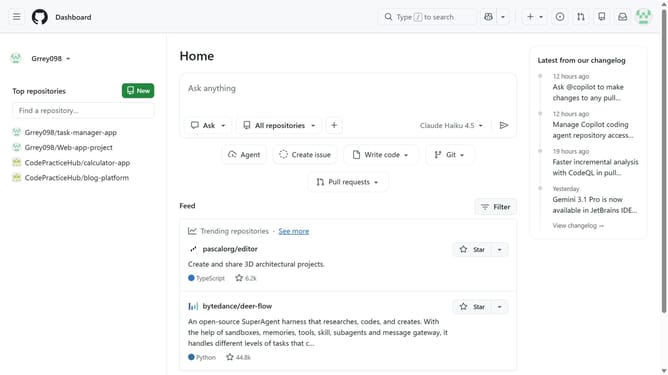
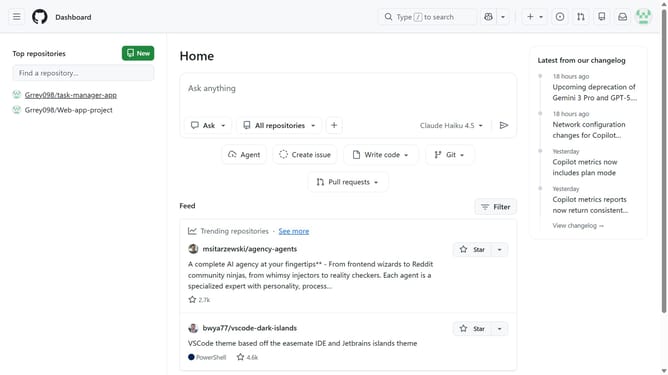
Here is how to share a space in github copilot
- First click on the "Copilot" button in the top navigation bar
- Next click on "Spaces" option in the left sidebar
- Find the space you want to share
- Then click on the three-dot menu button for the space
- Click on "Share" option from the dropdown menu
- Enter the name or username of the person you want to invite
- Click on the search result that matches the person
- Then click on the role dropdown next to it
- Finally select a role for the person from the dropdown menu
- You can also copy the link and share it to others
Why should you share a space in GitHub Copilot
GitHub is a platform designed for developers to collaborate on code seamlessly, enhancing project efficiency.
Sharing a space in GitHub Copilot allows for an enriched collaboration environment, boosting productivity by enabling team members to contribute effectively in real-time.
Utilizing this feature fosters enhanced communication and integration, ensuring all developers stay aligned with project goals and updates.
This connectivity enhances team synergy, encouraging innovation and rapid problem-solving, making it an indispensable tool for modern development teams.
Last update