How to share a Copilot Chat conversation from the sidebar in GitHub
Here is how to share a copilot chat conversation from the sidebar in github
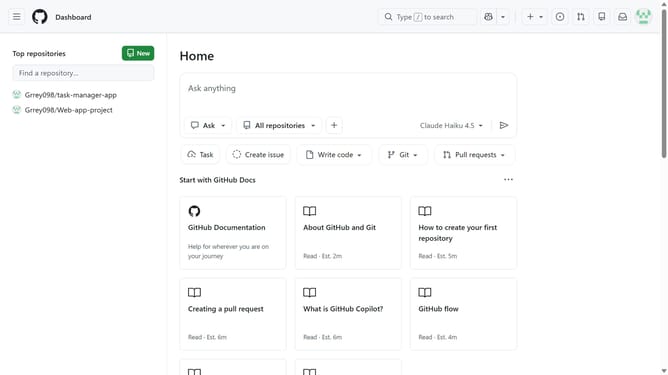
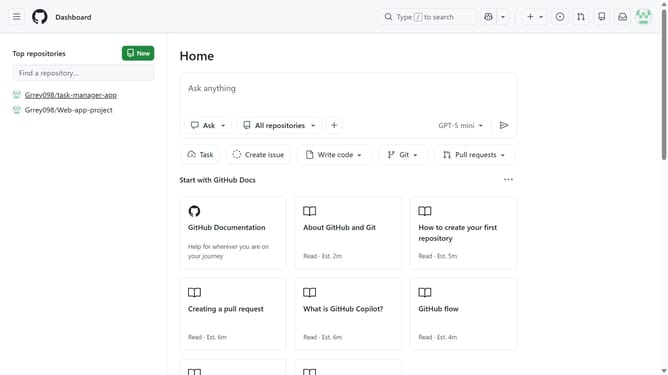
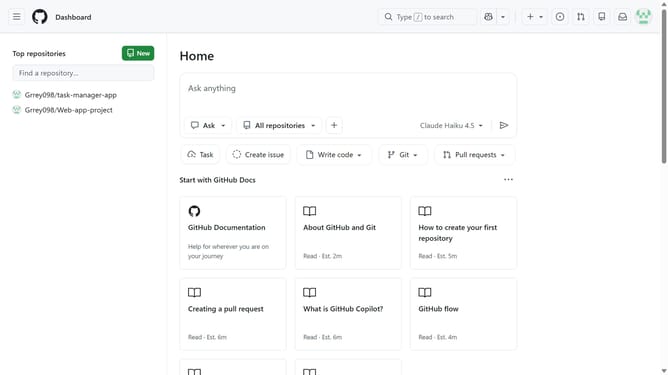
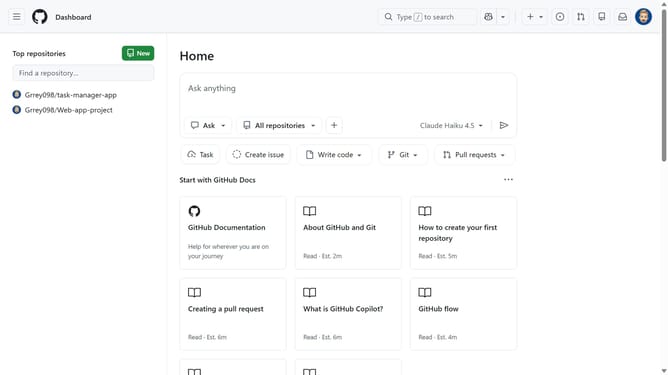
- First, click on the Copilot button next to the search bar in the top navigation bar
- Next, locate the conversation you want to share in the sidebar
- Hover over the conversation name and click on the options menu (three dots)
- Then click on "Share" option in the context menu
- Next click on "Share" button in the share chat dialog
- Finally click on "Copy link" button to copy the shared chat link
Why should you share a Copilot Chat conversation from the sidebar in GitHub
GitHub is a dynamic platform designed to streamline collaboration and version control for developers worldwide.
One of its standout features is the ability to share Copilot Chat conversations directly from the sidebar. This functionality enhances team communication by allowing seamless sharing of discussions and insights gleaned from AI-assisted coding interactions.
Using this feature not only promotes transparency across projects but also speeds up the decision-making process, ultimately leading to more productive collaboration and efficient workflow management.
Last update