Perplexity
Perplexity is an AI-powered answer engine that delivers sourced, accurate information through conversational search.
Website
Industry
Marketing
Share this article:

How to set response length to short in Perplexity

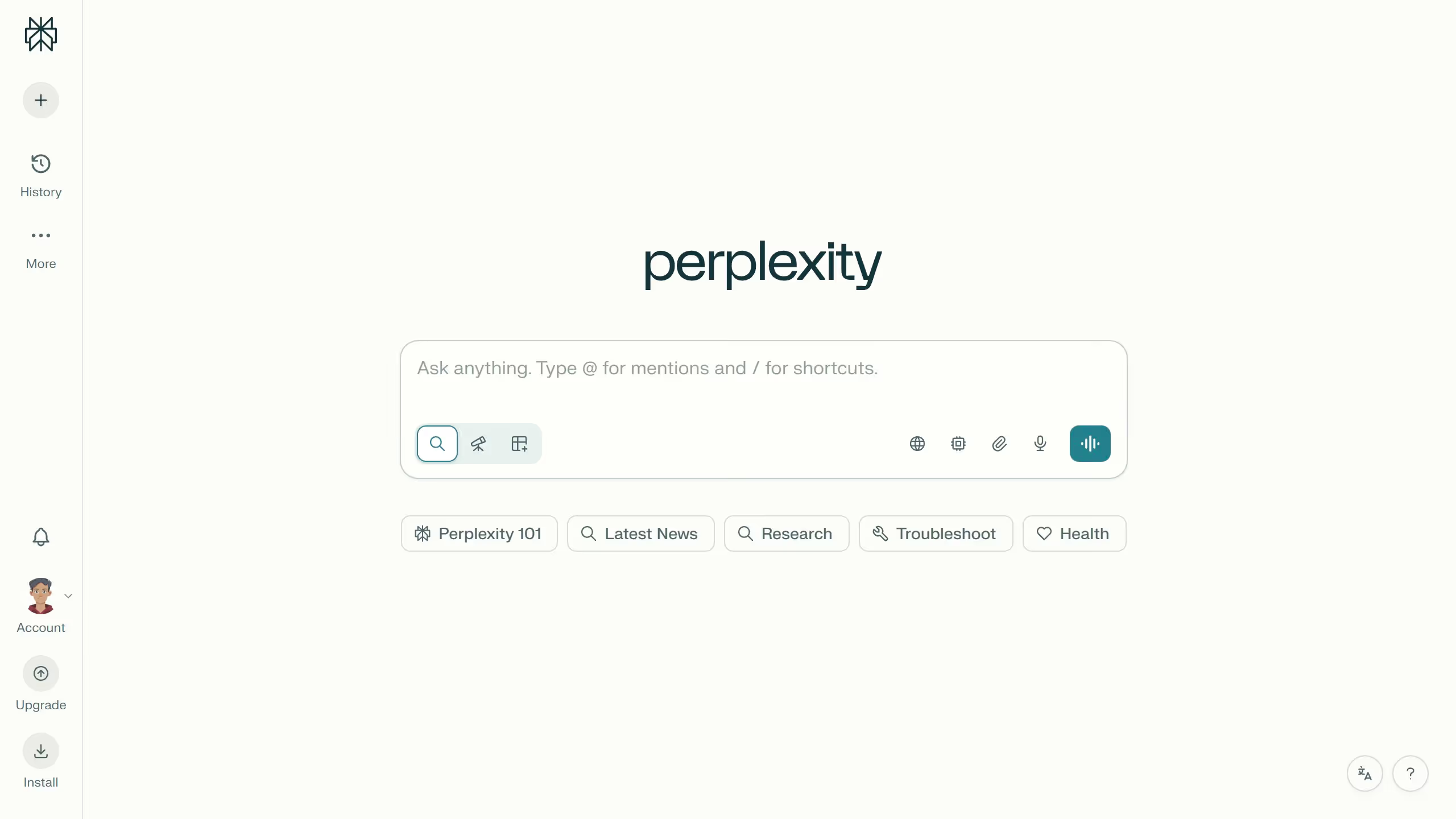
Here is how to set response length to short in perplexity

  1. First click on the profile icon button in the bottom-left sidebar
  2. Then click on the "Personalization" option from the sidebar menu
  3. Next click on the "Response Length" dropdown under Response preferences section
  4. Finally select the "Short" option from the dropdown menu

Create your own interactive guide with Guideflow

Why should you set response length to short in Perplexity

Perplexity is a smart tool designed to transform how we understand and interact with data.

The response length setting allows users to fine-tune how much information they receive, offering a level of control that enhances efficiency.

Setting responses to short ensures that the most essential information is delivered quickly, making it perfect for fast-paced environments or when attention spans are limited.

This feature lets users maintain focus, quickly assimilating key points without sifting through excessive details.

Last update
May 6, 2026
Cursor MariaA cursor points to a button labeled "James."

Create your first demo in less than 30 seconds.