How to set price alert for Celsius Holdings, Inc. in Perplexity
Here is how to set price alert for celsius holdings, inc. in perplexity
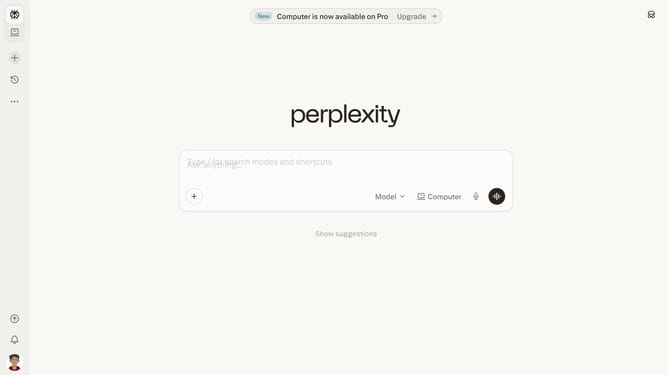
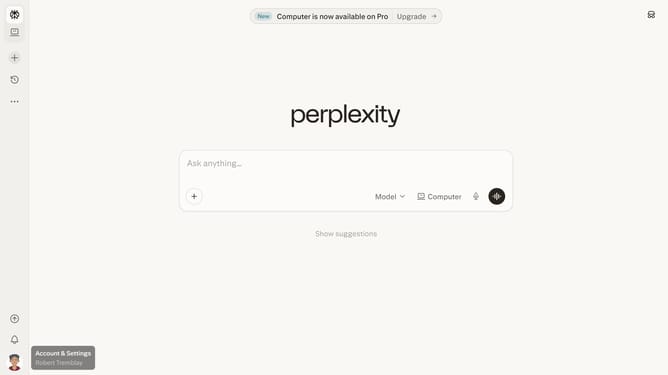
- First click on the account profile icon in the sidebar
- Then click on "Notifications" option in the menu
- Then scroll down to view more notification settings
- Then click on "New Alert" button
- Then click on the asset search field and type "Celsius Holdings, Inc."
- Then select "Celsius Holdings, Inc." from the search results dropdown
- Next click on the target price input field and modify it to your desired price value
- Finally click on "Save" button to confirm the price alert
Why should you set price alert for Celsius Holdings, Inc. in Perplexity
Perplexity serves as a dynamic tool designed to enhance the way you gather insights and track information effortlessly.
Setting a price alert for Celsius Holdings, Inc. in Perplexity empowers you with timely notifications, keeping you updated about stock movements.
This feature is invaluable for making informed investment decisions, enabling you to respond swiftly to market changes.
By leveraging price alerts, you can better manage your financial strategy, optimizing your investment approach with ease.
Last update