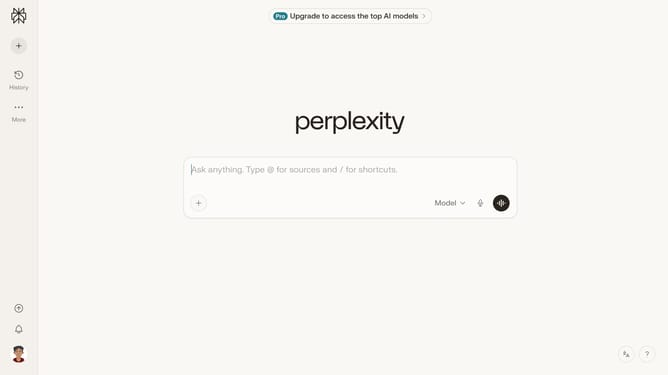
How to set price alert for Vanguard Small-Cap Index Fund Institutional Shares in Perplexity
Here is how to set price alert for vanguard small-cap index fund institutional shares in perplexity
- First click on the account profile icon in the left sidebar to open the user menu
- Then click on "All settings" option in the user menu
- Next click on "Notifications" option in the left sidebar
- Then scroll down the page to view the Price Alerts section
- Next click on "New Alert" button in the Price Alerts section
- Then click on the search field and type or select the stock name
- Next select "Vanguard Small-Cap Index Fund Institutional Shares" from the dropdown list
- Next click on the target price input field and modify it to your desired price value
- Finally click on "Save" button to create the price alert
Why should you set price alert for Vanguard Small-Cap Index Fund Institutional Shares in Perplexity
Perplexity is an innovative tool designed to streamline and enhance information discovery.
The feature to set a price alert for Vanguard Small-Cap Index Fund Institutional Shares in Perplexity ensures you stay informed on critical fund price changes effortlessly.
Using this feature provides peace of mind, allowing you to make timely investment decisions without constantly monitoring the market.
Empower your financial strategy by receiving precise, automated updates tailored to your investment interests, enhancing your overall portfolio management experience.
Last update