How to set price alert for Northrop Grumman Corporation in Perplexity
Here is how to set price alert for northrop grumman corporation in perplexity
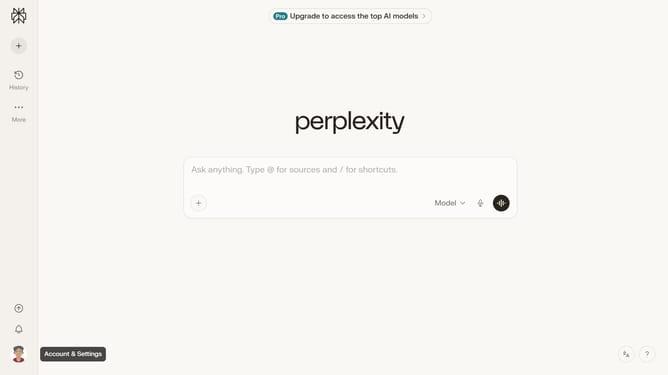
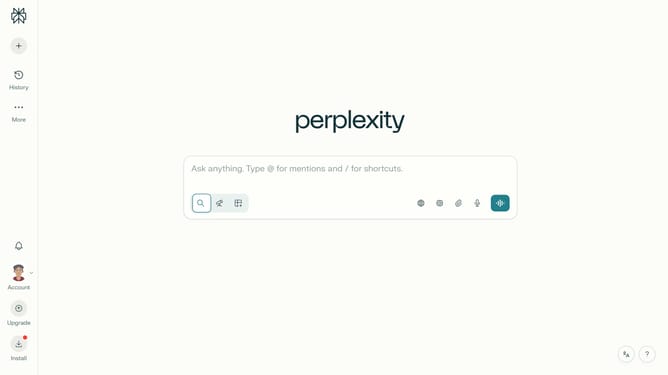
- First click on the account profile button in the sidebar
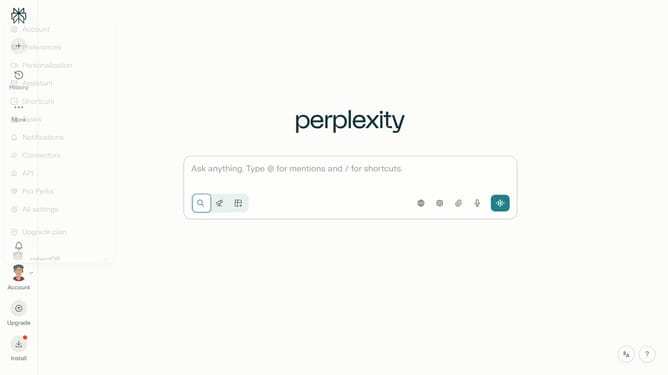
- Then click on "All settings" option in the profile menu
- Next click on "Notifications" option in the left sidebar
- Then scroll down the notifications page
- Next click on "New Alert" button in the Price Alerts section
- Then click on the search field and type "Northrop Grumman Corporation"
- Next select "Northrop Grumman Corporation" from the dropdown suggestions
- Next click on the target price input field and modify it to your desired price value
- Finally click on "Save" button to confirm the price alert
Why should you set price alert for Northrop Grumman Corporation in Perplexity
Perplexity is a dynamic platform designed to streamline financial data monitoring for informed investment decisions.
Setting a price alert for Northrop Grumman Corporation in Perplexity offers investors a convenient tool to keep track of crucial stock price movements effortlessly.
By using this feature, individuals can ensure they stay ahead with timely updates, allowing for swift action when market conditions align with their investment strategies.
The benefit of such alerts is the peace of mind it provides, freeing you from constant manual checks while keeping you informed and ready.
Last update