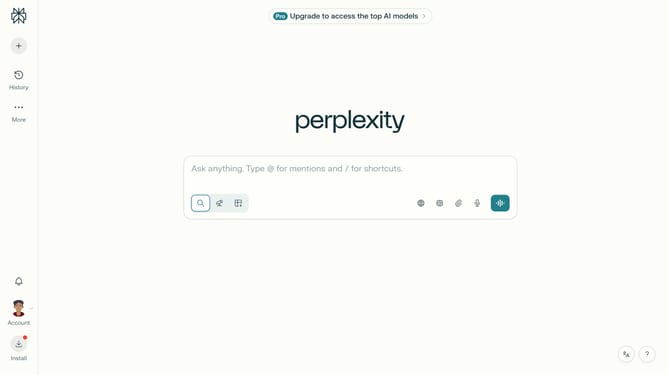
How to set price alert for NVR, Inc. in Perplexity
Here is how to set price alert for nvr, inc. in perplexity
- First click on the account profile icon button in the sidebar to open the user menu
- Then click on "All settings" option in the user menu
- Next click on "Notifications" option in the left sidebar menu
- Then scroll down the notifications page
- Next click on "New Alert" button in the Price Alerts section
- Then click on the search field and type "NVR, Inc."
- Next click on the "NVR, Inc." option from the dropdown results
- Then click on the target price input field and modify it to your desired price value
- Finally click on "Save" button to confirm the price alert
Why should you set price alert for NVR, Inc. in Perplexity
Perplexity serves as a user-friendly platform striving to seamlessly connect users with the information they seek.
Setting a price alert for NVR, Inc. in Perplexity means you stay ahead of market changes. By utilizing this feature, you're empowered to grasp the latest price shifts without constant monitoring.
Staying informed on stock movements like NVR, Inc. becomes straightforward, allowing for timely decision-making. This enhances your investment strategies, ensuring you never miss crucial updates.
Leveraging such features fosters proactive financial management, giving you confidence in your investment choices.
Last update