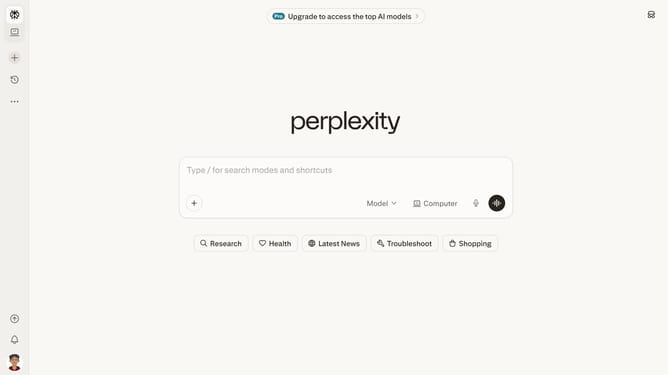
How to set price alert for Burlington Stores, Inc. in Perplexity
Here is how to set price alert for burlington stores, inc. in perplexity
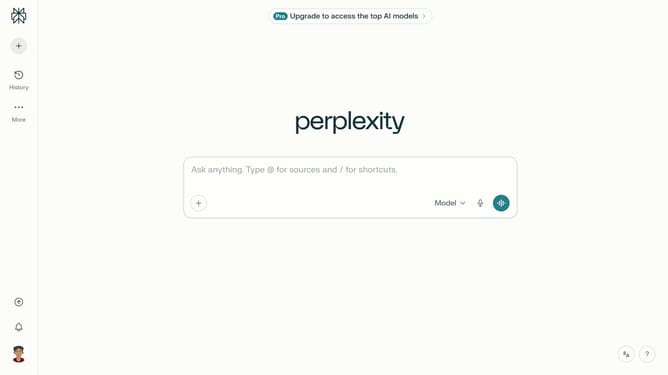
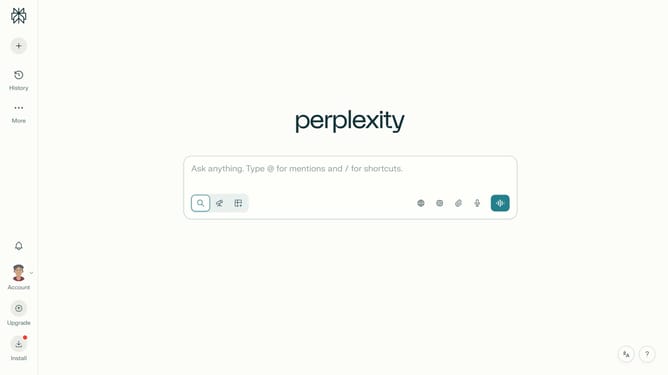
- First click on the account profile button in the left sidebar
- Then click on "All settings" option in the sidebar menu
- Next click on "Notifications" option in the left sidebar menu
- Then scroll down the notifications page
- Next click on "New Alert" button in the Price Alerts section
- Then click on the search field and type "Burlington Stores, Inc."
- Next click on "Burlington Stores, Inc." from the dropdown suggestions
- Next click on the target price input field and modify it to your desired price value
- Finally click on "Save" button to confirm the price alert
Why should you set price alert for Burlington Stores, Inc. in Perplexity
Perplexity is a cutting-edge tool designed for easy and smart information management.
Setting a price alert for Burlington Stores, Inc. in Perplexity ensures you're always informed about market fluctuations. This feature allows you to keep track of stock performances without constant monitoring.
Utilizing price alerts can help optimize investment strategies, saving time and enhancing decision-making. Staying updated with these alerts helps safeguard your financial interests, making informed investment moves possible in real-time.
With Perplexity, managing market information becomes seamless, efficient, and tailored to your needs.
Last update