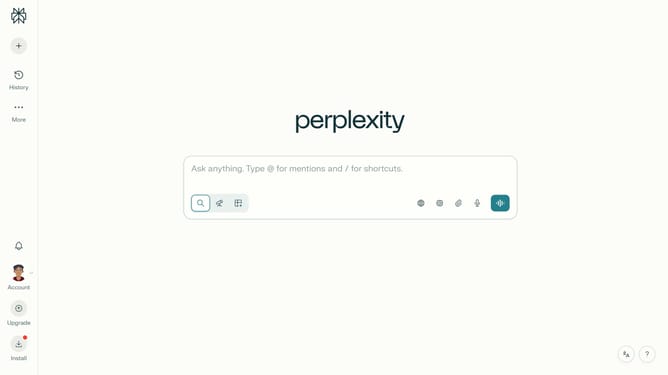
How to set price alert for Mantle USD in Perplexity
Here is how to set price alert for mantle usd in perplexity
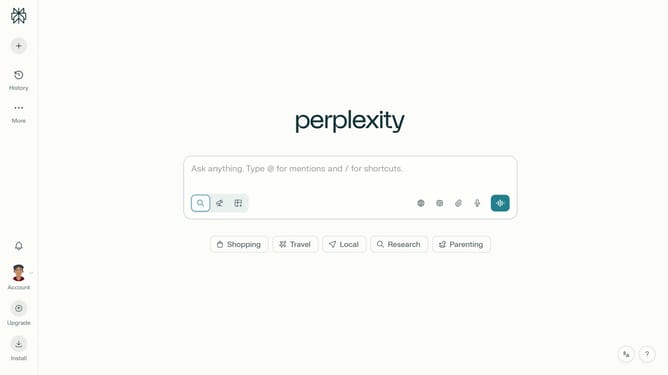
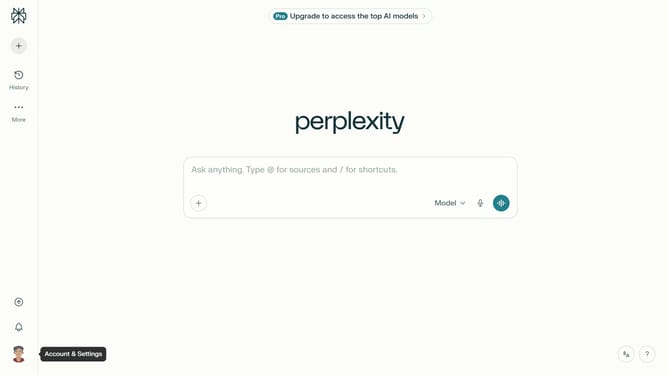
- First click on the account profile button in the bottom left sidebar
- Then click on "All settings" option in the left sidebar menu
- Next click on "Notifications" option in the left sidebar menu
- Then scroll down to view the price alerts section
- Next click on "New Alert" button in the price alerts section
- Then click on the asset search field and type "Mantle USD"
- Next select "Mantle USD" from the dropdown list of assets
- Then click on the target price input field and modify it to your desired price value
- Finally click on "Save" button to confirm the price alert
Why should you set price alert for Mantle USD in Perplexity
Perplexity offers innovative solutions to keep you informed and ahead in volatile markets.
Setting a price alert for Mantle USD in Perplexity is a convenient feature that empowers users to react swiftly to market fluctuations.
By utilizing this feature, you gain the benefit of automated monitoring, which ensures that you never miss an opportunity due to rapid price changes.
This proactive approach aids in strategic decision-making, enhancing your ability to maintain financial well-being with minimal effort.
Last update