How to set price alert for MFS Growth Fund in Perplexity
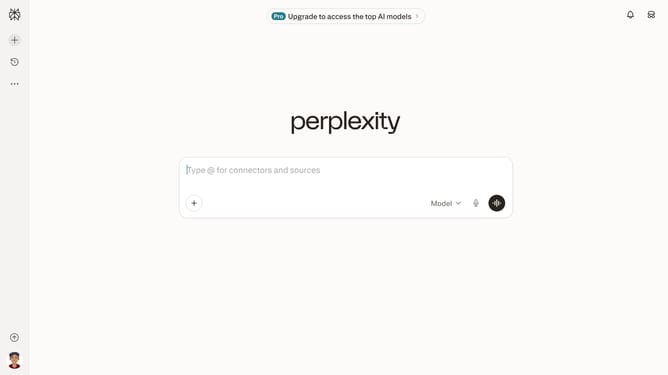
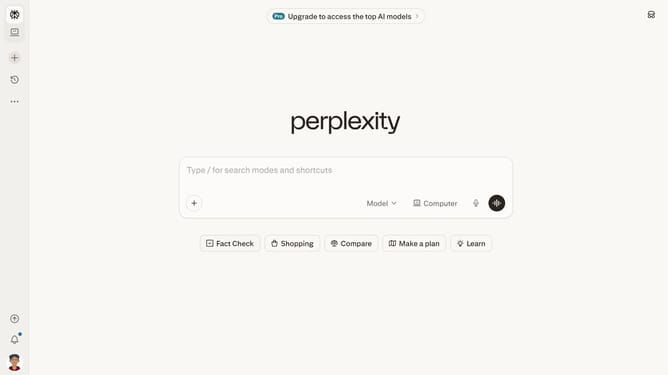
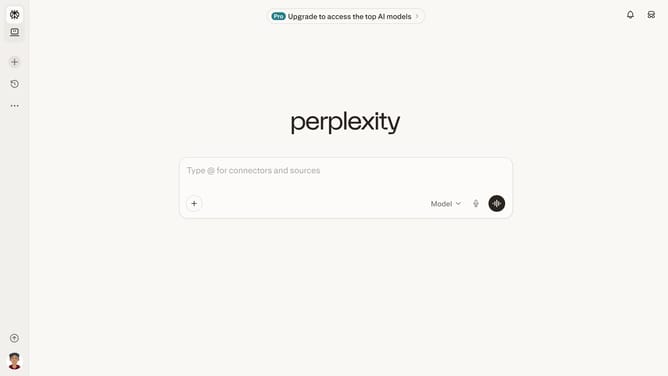
Here is how to set price alert for mfs growth fund in perplexity
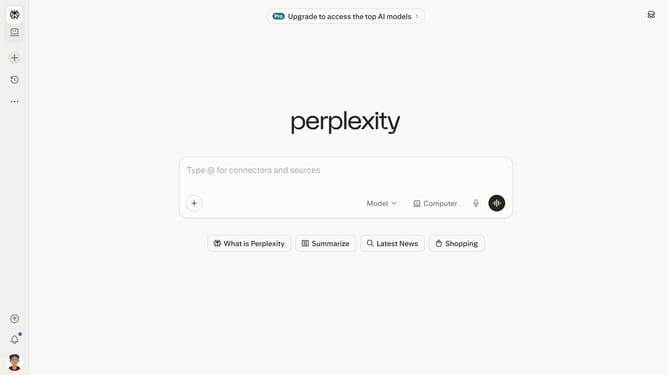
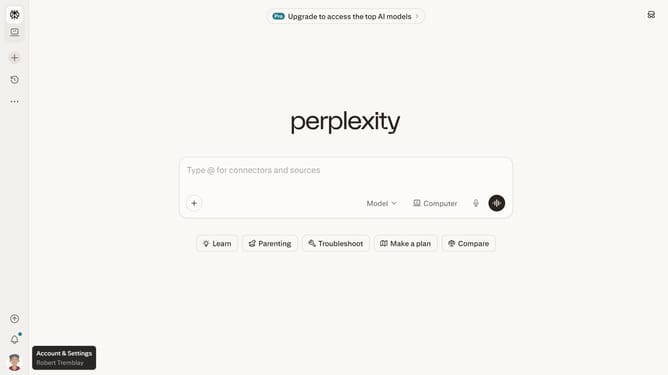
- First click on the account profile icon in the left sidebar
- Then click on "All settings" option in the sidebar menu
- Next click on "Notifications" option in the left sidebar
- Then scroll down to view the notification settings
- Next click on "New Alert" button in the Price Alerts section
- Then click on the search field and type "MFS Growth Fund"
- Next select "MFS Growth Fund" from the dropdown list
- Then click on the target price input field and modify it to your desired price value
- Finally click on "Save" button to save the price alert
Why should you set price alert for MFS Growth Fund in Perplexity
Perplexity is your gateway to smart, streamlined financial insights and tracking.
Setting a price alert for MFS Growth Fund in Perplexity helps you stay updated in real-time on your investments without constantly monitoring the market.
This feature allows you to focus on strategies while Perplexity keeps an eye on price movements, notifying you promptly once your set thresholds are crossed.
By leveraging this capability, you enhance your potential for timely decisions, aligning with your investment goals and optimizing your financial management.
Last update