How to set price alert for Vanguard Real Estate Index Fund in Perplexity
Here is how to set price alert for vanguard real estate index fund in perplexity
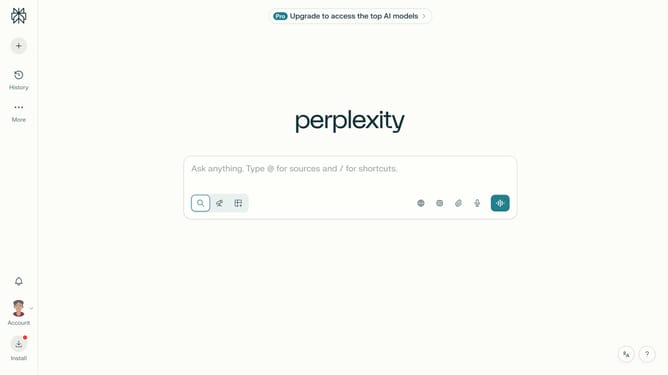
- First click on the account profile button in the bottom left sidebar
- Then click on "All settings" option in the profile menu
- Next click on "Notifications" item in the left sidebar
- Then click on the scroll bar to view more notification options
- Next click on "New Alert" button in the top right corner
- Then click on the search field for assets and type "Vanguard Real Estate Index Fund"
- Next select "Vanguard Real Estate Index Fund" from the dropdown list
- Next click on the target price input field and modify it to your desired price value
- Finally click on "Save" button to confirm the price alert
Why should you set price alert for Vanguard Real Estate Index Fund in Perplexity
Perplexity is a powerful tool designed to streamline your decision-making process with precise financial insights.
Setting a price alert for the Vanguard Real Estate Index Fund consistently keeps you in the loop without having to constantly monitor the markets. This feature empowers you with timely notifications, making sure you never miss an important market move.
By utilizing this feature, you are assured a proactive stance in your investment strategy, optimizing your portfolio management and enhancing potential gains.
Last update