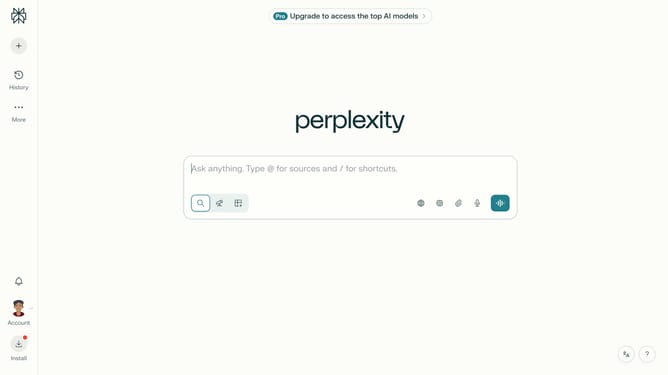
How to set price alert for NYSE International 100 Index in Perplexity
Here is how to set price alert for nyse international 100 index in perplexity
- First click on the account profile button in the bottom left sidebar
- Then click on "All settings" menu item in the left sidebar
- Next click on "Notifications" menu item in the left sidebar
- Then scroll down the page to view the Price Alerts section
- Then click on "New Alert" button in the Price Alerts section
- Then click on the search input field and type "NYSE International 100 Index"
- Next click on the "NYSE International 100 Index" from the dropdown results
- Next click on the target price input field and modify it to your desired price value
- Finally click on "Save" button to save the price alert
Why should you set price alert for NYSE International 100 Index in Perplexity
Perplexity is a powerful tool designed to streamline your financial tracking with ease and precision.
Setting a price alert for the NYSE International 100 Index in Perplexity allows you to stay informed without constantly monitoring the market. This feature empowers you by automatically notifying you when the Index reaches your specified price, providing you with timely insights.
By using Perplexity's price alert feature, you can make more informed investment decisions and manage your portfolio efficiently. This enhances your market awareness while saving you time and effort.
Last update