How to set price alert for Enbridge Inc. in Perplexity
Here is how to set price alert for enbridge inc. in perplexity
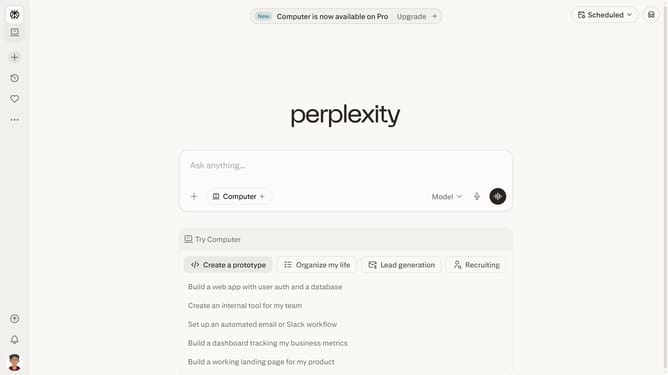
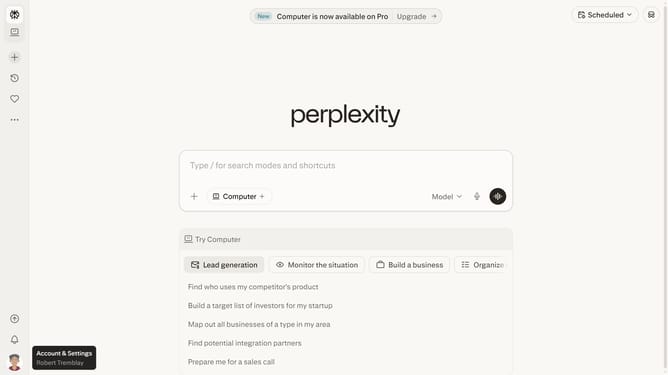
- First click on the profile button in the left sidebar
- Then click on the "Tasks" option in the account menu
- Next click on the "+" button in the top right corner to create a new task
- Then click on the "Price alert" option from the dropdown menu
- Next click on the search field and type "Enbridge Inc" to search for the stock
- Then click the "Embridge Inc." from the dropdown results
- Next modify the target price amount to your preferred amount
- Finally click on the "Save" button to save the price alert
Why should you set price alert for Enbridge Inc. in Perplexity
Perplexity enhances decision-making by providing real-time insights tailored to your interests.
Monitoring Enbridge Inc.'s stock has never been more intuitive with Perplexity's price alert feature. With this functionality, users can effortlessly keep track of market shifts of their preferred stocks without constant manual checks.
Setting up alerts ensures timely updates, aiding in proactive strategies and informed decisions. This streamlines the investment process, offering peace of mind and a competitive edge to those invested.
Incorporating this feature into your routine guarantees that you stay ahead with minimal effort.
Last update