How to set price alert for Chubb Limited in Perplexity
Here is how to set price alert for chubb limited in perplexity
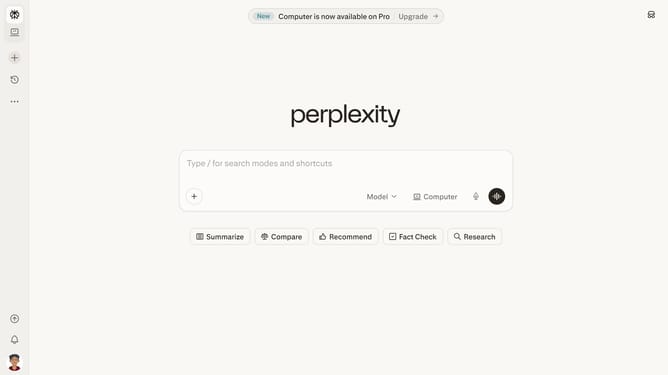
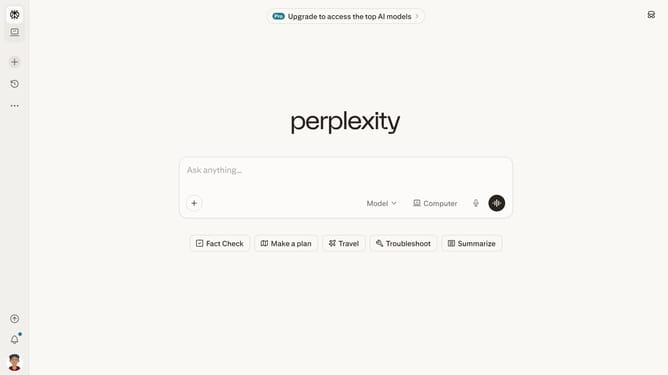
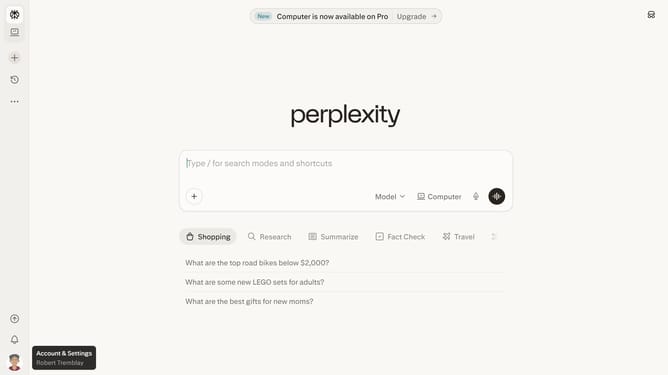
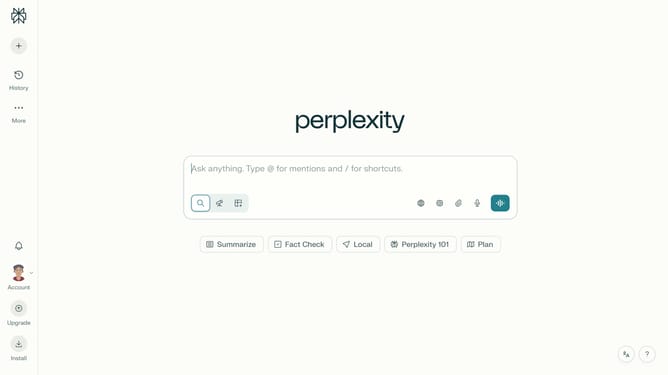
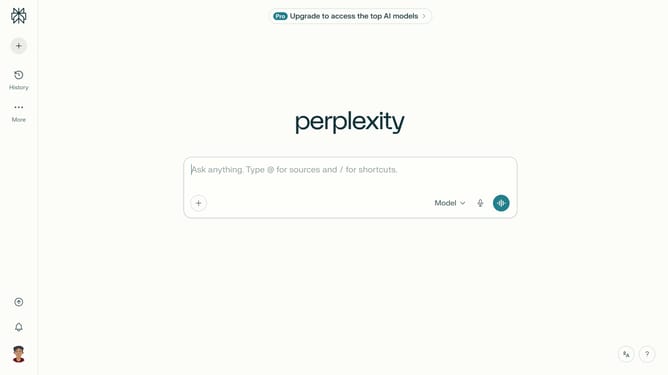
- First click on the profile icon button in the bottom left sidebar
- Then click on the "Notifications" menu item in the sidebar
- Next scroll down to view the "Price Alerts" section
- Then click on the "+ New Alert" button in the "Price Alerts" section
- Then click on the search input field and type "Chubb Limited" to find the stock
- Then select "Chubb Limited" from the dropdown list of search results
- Next click on the target price input field and modify it to your desired price value
- Finally click on the "Save" button to create the price alert
Why should you set price alert for Chubb Limited in Perplexity
Perplexity is a dynamic tool created to illuminate complex data effortlessly.
Setting a price alert for Chubb Limited in Perplexity enhances your investment strategy by keeping you informed of crucial market shifts instantly.
This feature empowers you to monitor stock movements without constantly checking, saving time while ensuring you never miss an opportunity.
Stay ahead with timely notifications, making informed decisions that optimize your financial pursuits with precision and ease.
Last update