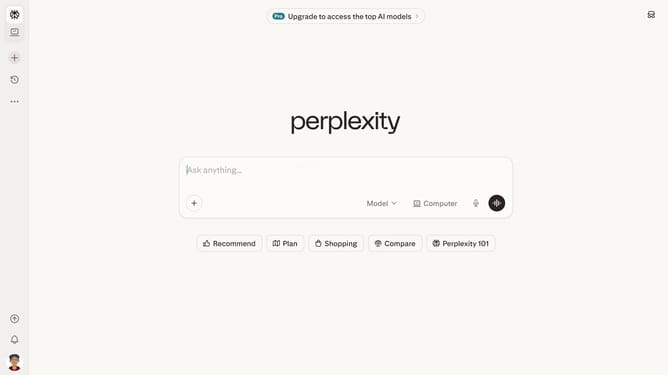
How to set price alert for Barclays PLC in Perplexity
Here is how to set price alert for barclays plc in perplexity
- First click on account profile button in the sidebar
- Then click on "All settings" option in the account menu
- Then click on "Notifications" item in the left sidebar
- Then scroll down the notifications page to view more options
- Then click on "New Alert" button in the Price Alerts section
- Then click on the search field and type "Barclays PLC"
- Then select "Barclays PLC" from the dropdown suggestions
- Next click on the target price input field and modify it to your desired price value
- Finally click on "Save" button to confirm the price alert
Why should you set price alert for Barclays PLC in Perplexity
Perplexity is an innovative tool designed to simplify market monitoring and empower decision-making.
Setting a price alert for Barclays PLC on Perplexity is an effective way to stay informed about stock price changes that matter to you.
By doing so, you ensure that you never miss a significant market movement, keeping you in the loop at all times. With real-time alerts, you can quickly react to market fluctuations, maximizing your investment strategy potential. This seamless feature provides you control and agility in navigating the ever-dynamic financial landscape.
Last update