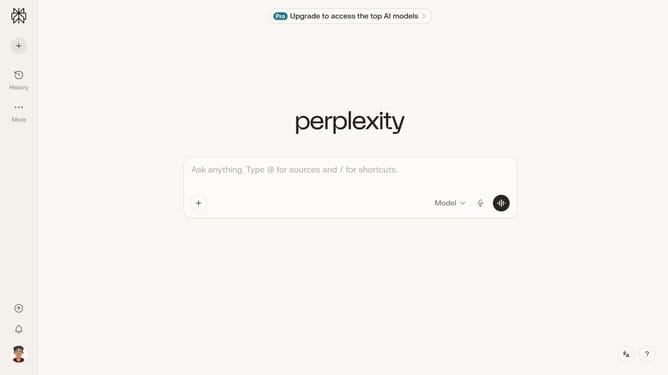
How to set price alert for Altria Group, Inc. in Perplexity
Here is how to set price alert for altria group, inc. in perplexity
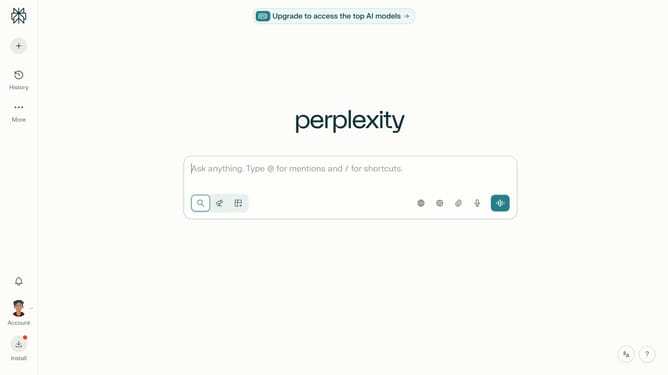
- First click on the account probile button in the sidebar to open the settings menu
- Then click on "All settings" option from the expanded menu
- Next click on "Notifications" item in the sidebar to access notification settings
- Then scroll down the notifications page to view more options
- Next click on the "New Alert" button to create a new price alert
- Then click on the search field and type "Altria Group, Inc."
- Next click on the "Altria Group, Inc." from the dropdown menu
- Then click on the target price input field and modify it to your desired price value
- Finally click on the "Save" button to confirm and save the price alert
Why should you set price alert for Altria Group, Inc. in Perplexity
Perplexity is a cutting-edge platform designed to simplify complex data for informed decision-making.
Setting a price alert for Altria Group, Inc. in Perplexity empowers users to stay updated with minimal effort.
With this feature, users gain real-time notifications, ensuring they never miss critical market movements.
This proactive approach helps investors optimize their strategies and make timely decisions based on precise market data.
Last update