How to disable scheduled tasks notification in Perplexity
Here is how to disable scheduled tasks notification in perplexity
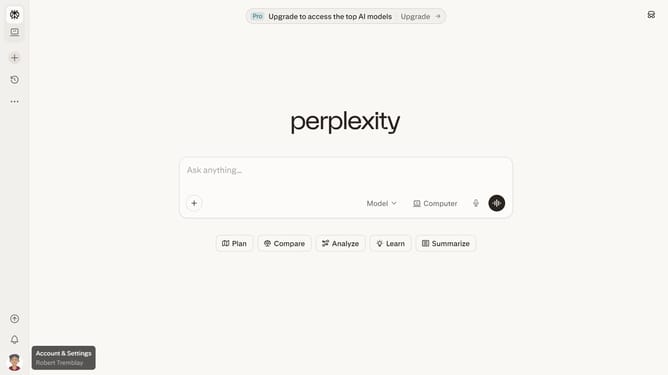
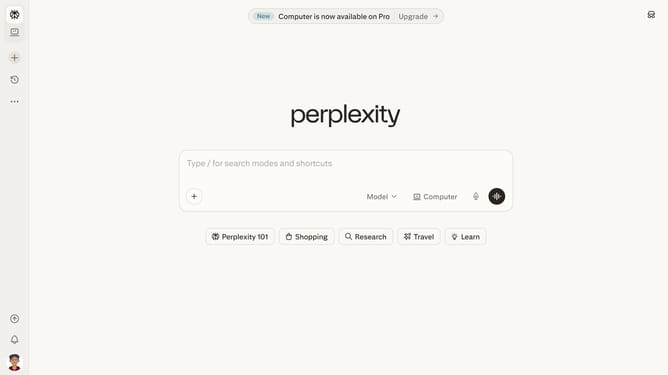
- First click on the account profile icon in the left sidebar
- Then click on "All settings" option in the user menu
- Next click on "Notifications" in the left sidebar menu
- Then scroll down the notifications page
- Finally click on the "Scheduled Tasks" email notification toggle off to disable it
Why should you disable scheduled tasks notification in Perplexity
Perplexity is an innovative tool designed to streamline your daily workflows with precision and efficiency.
One of its underappreciated yet powerful features is the ability to disable scheduled tasks notifications. This option allows users to focus on their core activities without the disruption of constant alerts, making it an ideal feature for those seeking uninterrupted productivity.
By reducing unnecessary notifications, users can maintain a clutter-free digital environment, which aids in enhancing concentration and boosting task performance, providing a smoother and more efficient user experience.
Last update