How to set price alert for McKesson Corporation in Perplexity
Here is how to set price alert for mckesson corporation in perplexity
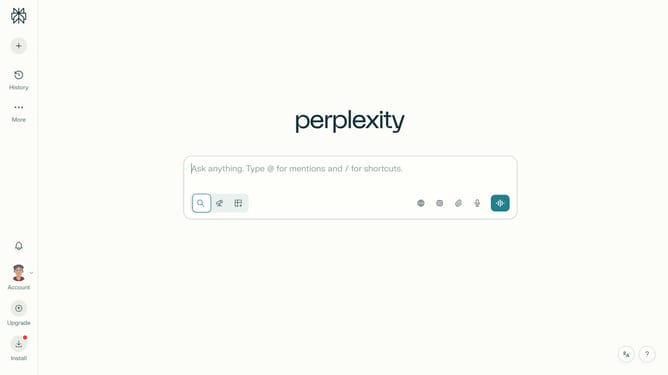
- First click on the account profile button in the sidebar to open the user menu
- Then click on "All settings" option in the menu panel
- Next click on "Notifications" item in the sidebar menu
- Then scroll down the notifications page
- Next click on "New Alert" button in the Price Alerts section
- Then click on the search field and type "McKesson Corporation"
- Next click on the "McKesson Corporation" option from the dropdown list
- Next click on the target price input field and modify it to your desired price value
- Finally confirm the alert creation by clicking "Save" button again
Why should you set price alert for McKesson Corporation in Perplexity
Perplexity is a cutting-edge platform designed to simplify the complexities of financial monitoring with intuitive ease.
By setting a price alert for McKesson Corporation within Perplexity, users can gain immediate insights when the company's stock reaches a certain threshold.
This feature empowers investors to stay informed without having to constantly monitor market fluctuations, ensuring they can make timely decisions based on real-time data.
Ultimately, these price alerts foster smarter investment strategies, enhancing the user experience through proactive financial management.
Last update