How to save a job in LinkedIn
Here is how to save a job in linkedin
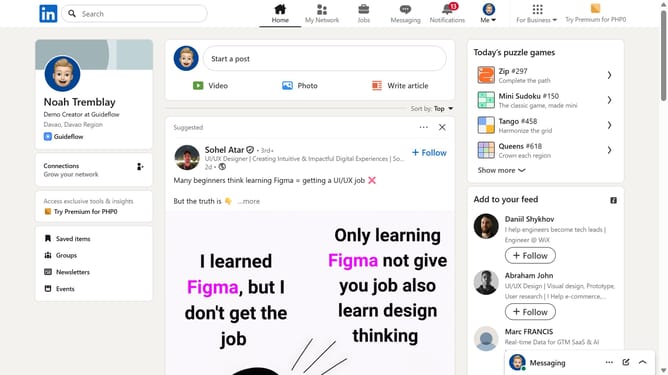
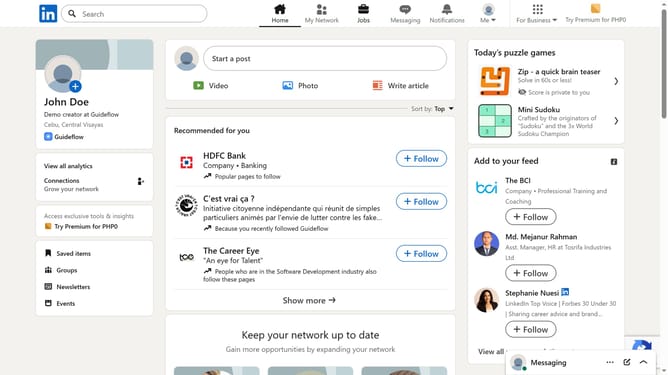
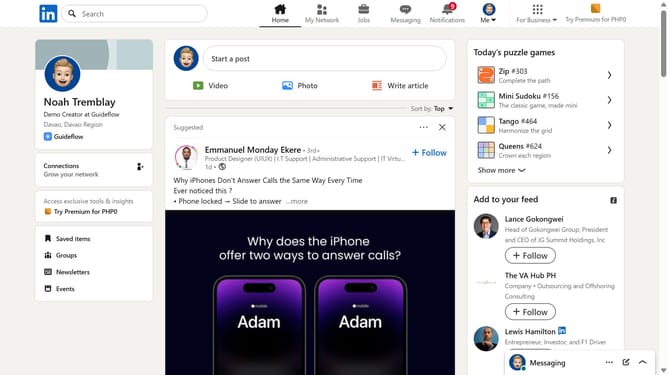
- First click on the "Jobs" icon in the top navigation bar
- Then search for a job you’re interested in using the search bar
- Next click on the job title to open the job details page
- Finally click on the "Save" button to bookmark the job posting
Why should you save a job in LinkedIn
LinkedIn is the world's largest professional network, connecting professionals to new opportunities every day.
The feature to save a job allows users to bookmark interesting job listings for easy access later, simplifying the job search process significantly.
By leveraging this feature, job seekers can curate a list of potential opportunities, aiding in organized, strategic job hunting without missing out on exciting prospects.
This helps in ensuring that you have immediate access to listings whenever you're ready to apply or need to revisit specific details about a role.
Last update