How to reposition cover in Zoom Docs
Here is how to reposition cover in zoom docs
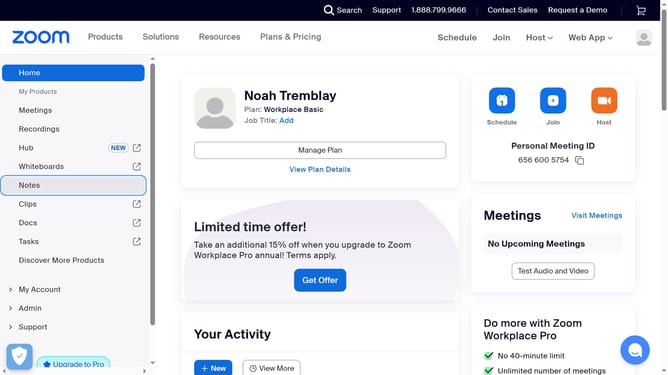
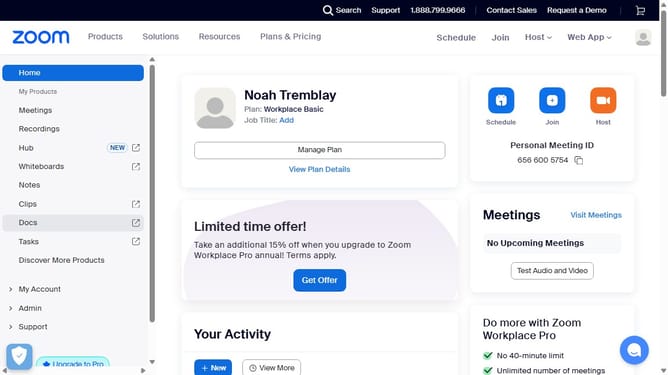
- First click on the "Docs" option in the left sidebar menu
- Then open the document containing the cover you want to reposition
- Then click on the "Reposition" button that appears on the cover image
- Finally drag the image to adjust its position and click "Save position" to apply the changes
Why should you reposition cover in Zoom Docs
Zoom is a versatile platform designed to enhance online communication and collaboration.
In Zoom Docs, the ability to reposition covers allows for personalization and better organization. Users can enhance visual impact, making documents more professional and aligned with brand aesthetics.
This feature encourages creativity, giving users the flexibility to design documents that reflect their unique style or message, ultimately leading to more engaging content.
Last update