How to remove base repository permission for members in your GitHub organization
Here is how to remove base repository permission for members in your github organization
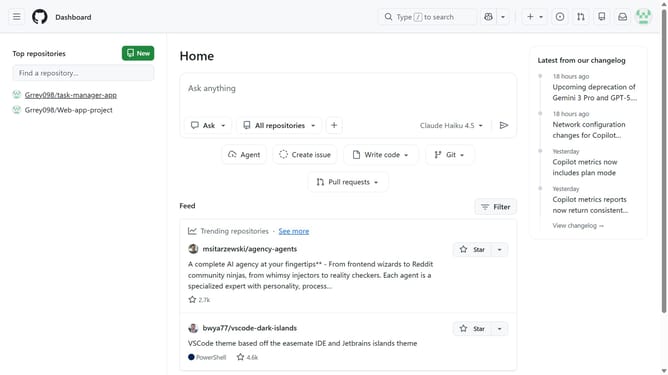
- First click on your profile picture in the top-right corner of the header
- Next click on "Organizations" in the dropdown menu
- Click on the "Settings" button next to the organization you want to manage
- Click on "Member privileges" in the left sidebar under Access section
- Locate the "Base permissions" section
- Click on the dropdown button in the Base permissions section
- Then select the "No permission" option from the dropdown menu
- Finally click on the "Change base permission to 'No permission'" button in the confirmation dialog
Why should you remove base repository permission for members in your GitHub organization
GitHub is a powerful platform designed to streamline collaborative software development projects seamlessly.
Removing base repository permissions for members in a GitHub organization allows you to better control access to your project's core assets. This feature empowers organization owners to maintain security by ensuring that only the most trusted users have the ability to modify vital codebases.
By fine-tuning permissions, your team can work with confidence, knowing that sensitive areas of your repositories are protected, thus safeguarding your project’s integrity and enhancing accountability. This ensures an efficient collaborative environment.
Last update