How to remove a folder from sequences in Mixmax
Here is how to remove a folder from sequences in mixmax
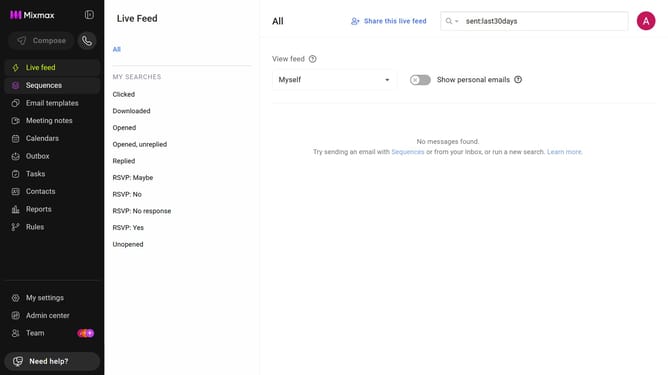
- First click on "Sequences" from the left sidebar
- Next, locate the folder you want to delete in the "MY FOLDERS" section
- Then click on the "X" icon next to the folder name
- Finally click on the "Delete" button in the confirmation pop-up
Why should you remove a folder from sequences in Mixmax
Mixmax is a powerful communication platform designed to enhance productivity and streamline email interactions.
Removing a folder from sequences in Mixmax is a simple action that can significantly boost your organizational workflow.
This feature allows you to effortlessly declutter your sequences, ensuring that your communication tools remain perfectly aligned with your current needs.
By maintaining a streamlined sequence list, you’re able to focus more effectively on active projects, enhancing both efficiency and productivity.
Last update