How to play Tango on LinkedIn
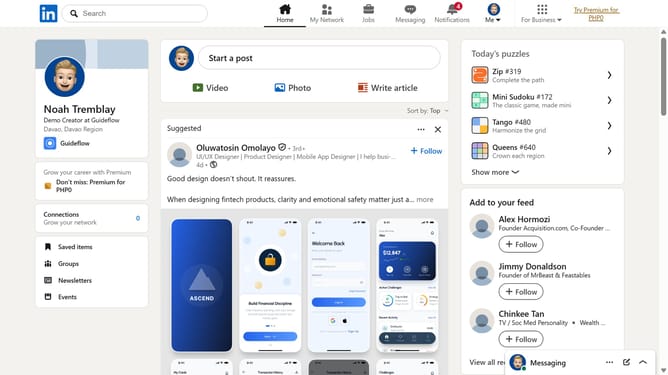
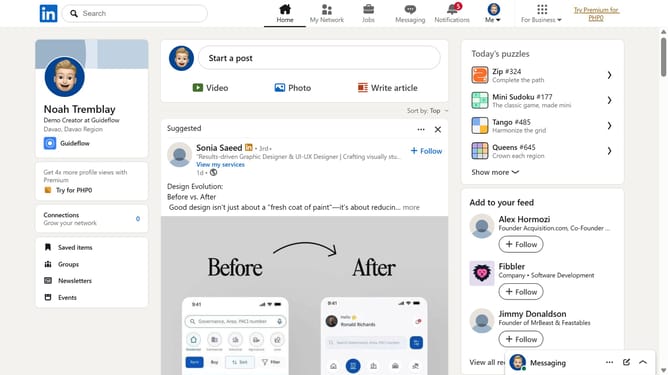
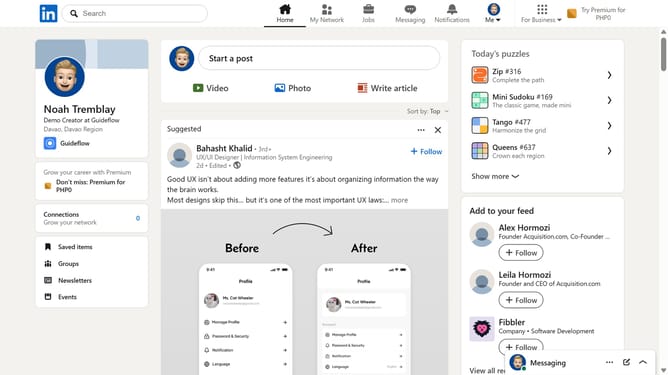
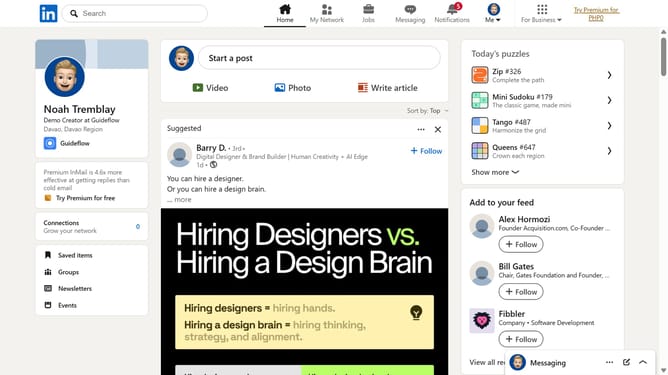
Here is how to play tango on linkedin
- First click on the search bar at the top of the page
- Then type "games" in the search field
- Next click on the "See all results" link in the search dropdown menu
- Then click on the "LinkedIn daily puzzle games" card to view available games
- Finally select the "Tango" game from the list of daily games
Why should you play Tango on LinkedIn
LinkedIn is the premier professional network designed to connect the world's workforce.
Playing Tango on LinkedIn allows users to engage more dynamically with their professional network.
By using this feature, individuals can showcase their skills, share insightful content, and participate in vibrant discussions.
This not only enhances visibility but also fosters meaningful connections that can lead to career growth and broader professional opportunities.
Last update