How to play Pinpoint on LinkedIn
Here is how to play pinpoint on linkedin
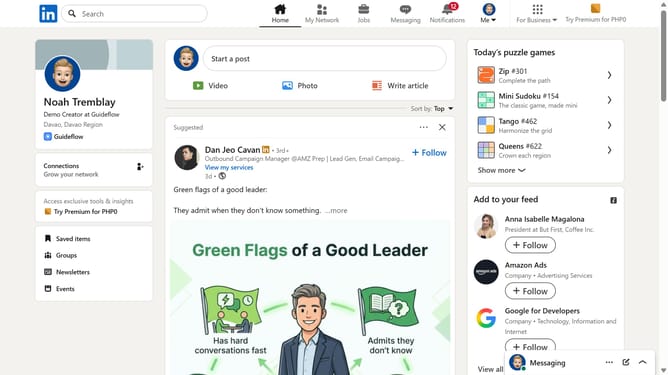
- First click on the search bar at the top of LinkedIn
- Then type "games" in the search bar
- Next click on "See all results" under the search suggestions
- Then click on the "LinkedIn daily puzzle games" card to view available games
- Finally click on the "Pinpoint" game card to start playing
Why should you play Pinpoint on LinkedIn
LinkedIn is the leading professional networking platform designed to connect individuals and businesses worldwide.
Playing Pinpoint on LinkedIn enhances your networking experience by allowing you to engage directly with content relevant to your interests. By pinpointing key posts, you can focus your interactions on meaningful discussions.
This feature fosters deeper connections, aiding in relationship-building with industry leaders and peers. Additionally, it elevates your insight into trending topics, thus making your professional engagement more impactful.
Last update