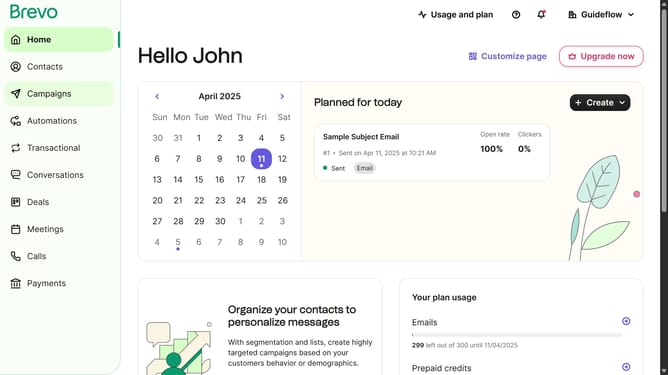
How to modify a contact folder in Brevo
Here is how to modify a contact folder in brevo
- First click on "Contacts" in the left sidebar navigation menu
- Then click on "Lists" in the submenu under Contacts section
- Next click on the dropdown button in the "Lists" main menu section
- Then click on the contact folder from the expanded dropdown menu
- Next click on the "Edit folder" button to continue modify your contact database
- Then click in the "New folder name" input field in the Edit folder modal
- Finally click the "Edit folder" button at the bottom of the Edit folder modal
Why should you modify a contact folder in Brevo
Brevo is a versatile platform designed to streamline your contact management and communication efforts.
Modifying a contact folder in Brevo offers flexibility and enhanced organization, letting you categorize and tailor your contact list to suit unique needs.
This feature is essential for maintaining a clean and efficient database, making it easier to find specific contacts and segment audiences effectively.
By utilizing this feature, businesses can improve their communication strategies and customize their marketing campaigns more precisely.
Last update