How to mark an action item as complete in a room in Pitch
Here is how to mark an action item as complete in a room in pitch
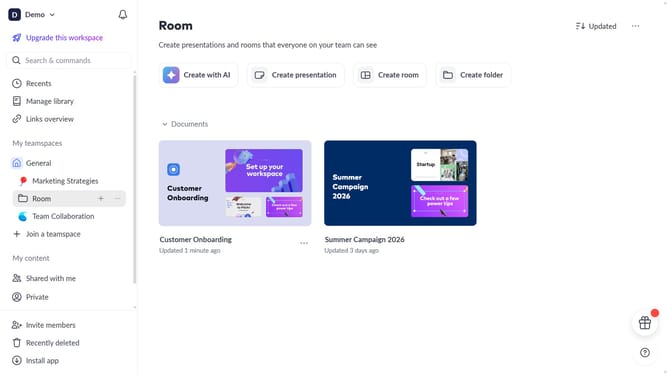
- First, open the room you want to edit
- Locate the "Action items" section in the left sidebar
- Next, locate the action item you want to complete
- Then, click on the checkbox next to the action item to mark it as completed
Why should you mark an action item as complete in a room in Pitch
Pitch is a dynamic platform designed to streamline team collaboration and presentations.
Marking an action item as complete in a room in Pitch serves as an efficient way to keep track of progress and maintain accountability within a team.
By marking tasks as complete, it not only provides a clear visual cue on project status but also enhances productivity, allowing team members to focus on pending priorities and drive projects forward seamlessly.
This feature fosters transparency and encourages a culture of responsibility and achievement within collaborative spaces.
Last update