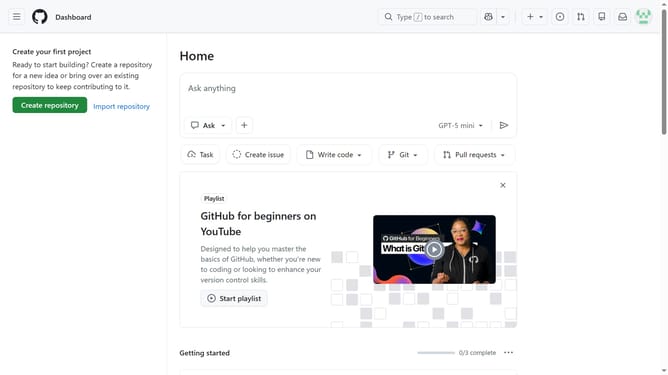
How to manage hovercards preview in GitHub
Here is how to manage hovercards preview in github
- First click on your profile picture in the top-right corner of the header
- Next click on "Accessibility" option in the dropdown menu
- Scroll down to the "Content" section on the Accessibility settings page
- Next locate the "Hovercards" section within the content settings area
- Then check show hovercards or leave it unchecked to enable or disable link previews
- Finally click on the "Save hovercard preferences" button to save the changes
Why should you manage hovercards preview in GitHub
GitHub is an essential platform designed to help developers collaborate and manage code repositories efficiently.
A pivotal feature of GitHub is its hovercards preview, which offers quick insights into pull requests, issues, and profiles without leaving the page.
By managing hovercards previews, users can streamline their workflow and access valuable information on the go, enhancing productivity and seamless navigation within the platform.
This feature fosters better collaboration, allowing teams to make informed decisions rapidly, thereby boosting overall project efficiency.
Last update