How to enable preserving a repository in the GitHub Archive Program
Here is how to enable preserving a repository in the github archive program
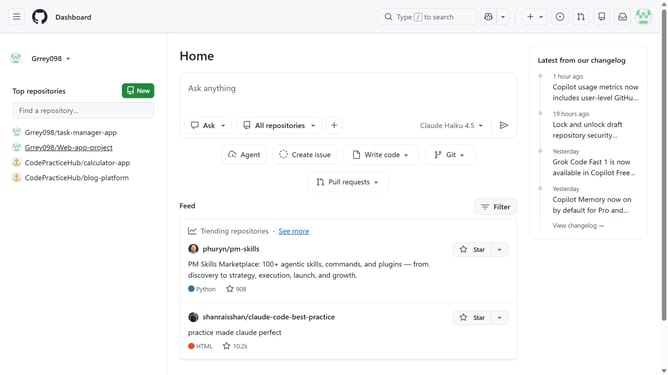
- First, open the repository you want to manage
- Next click on the "Settings" tab in the top navigation menu
- Click on the "General" option in the left settings sidebar
- Then scroll down to the “Features” section and locate the “Preserve this repository” option
- Finally click on the "Preserve this repository" checkbox to enable the feature
Why should you enable preserving a repository in the GitHub Archive Program
GitHub is a dynamic platform designed to host, manage, and track version changes in software projects collaboratively.
The GitHub Archive Program preserves repositories for future generations, ensuring that today’s digital creations remain accessible, even as active development might cease.
By enabling this feature, developers help protect vital open-source software artifacts, contributing to a legacy of innovation and access to the technology-driven world of tomorrow.
Last update