How to log out of ChatGPT on all devices
Here is how to log out of chatgpt on all devices
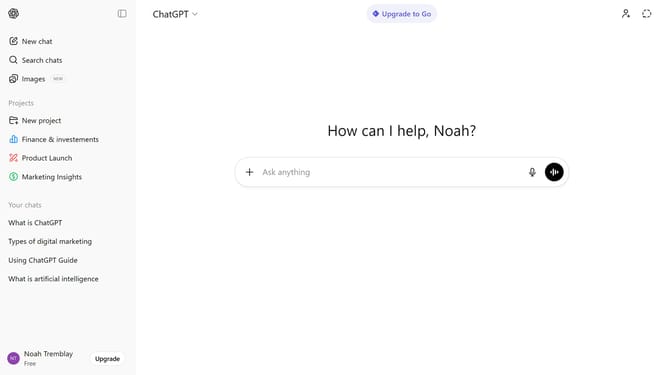
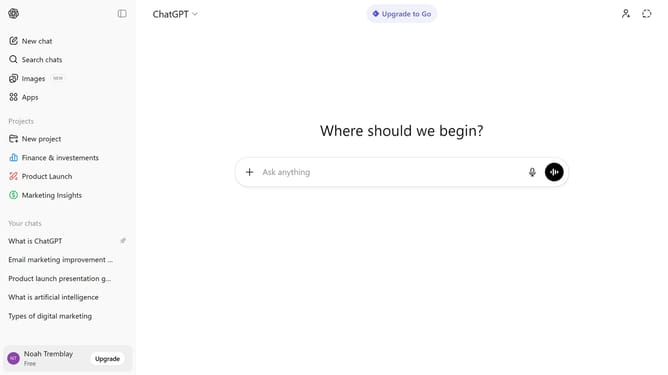
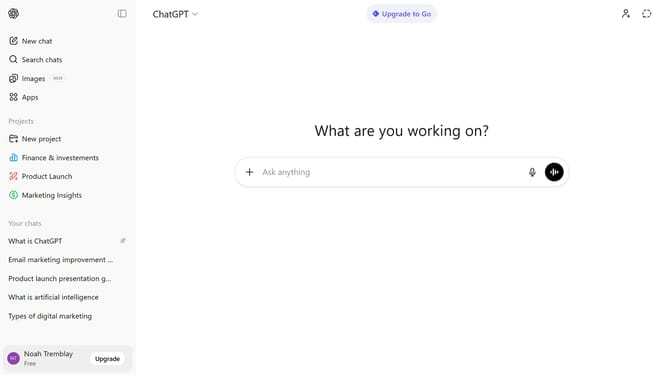
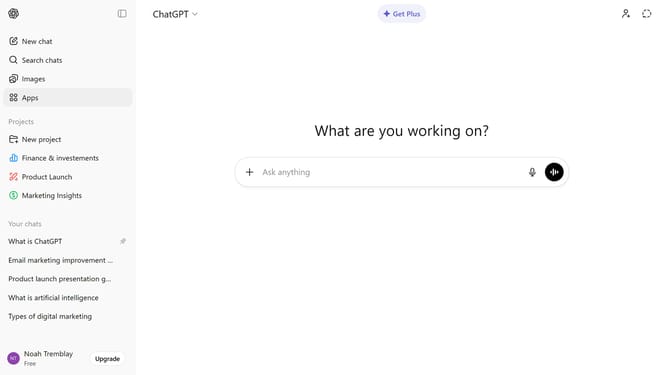
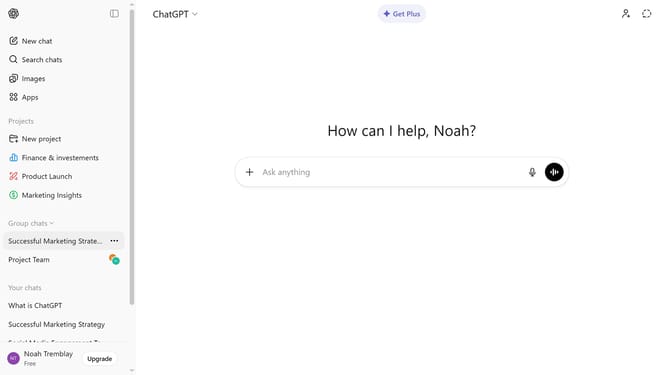
- First click on your profile at the bottom of the left sidebar
- Next click on "Settings" option in the profile menu
- Then click on "Security" option in the left settings menu
- Finally click on the "Log out all" button in the Security settings panel
- Once completed, you will be logged out of ChatGPT on all devices
Why should you log out of ChatGPT on all devices
ChatGPT is an advanced AI language model designed to facilitate seamless human-computer interaction.
The feature allowing users to log out of ChatGPT on all devices ensures an added layer of security and privacy.
This feature is especially beneficial for users who often access ChatGPT from shared or public devices, providing peace of mind knowing their sessions are secure.
Using this feature can prevent unauthorized access and protect sensitive information, making your interactions with ChatGPT worry-free and more secure.
Last update