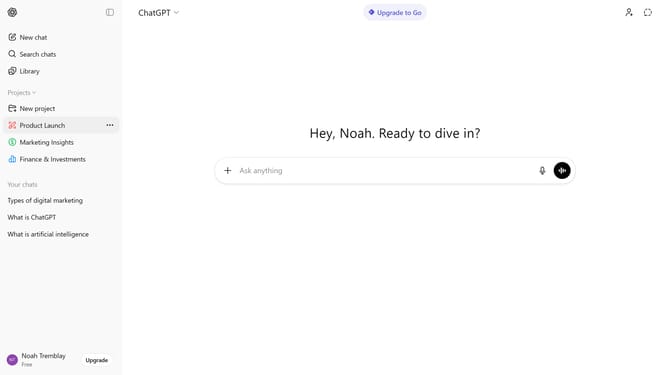
How to delete all your chats in ChatGPT
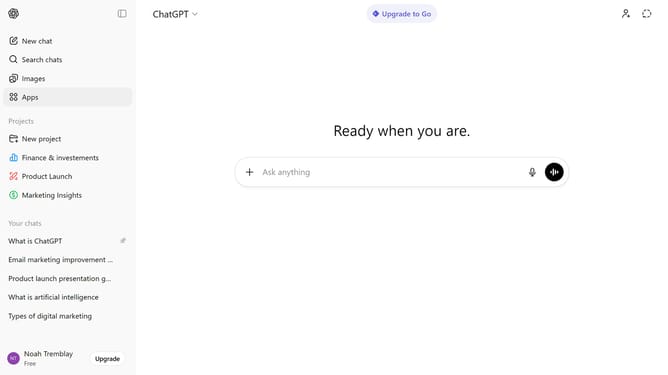
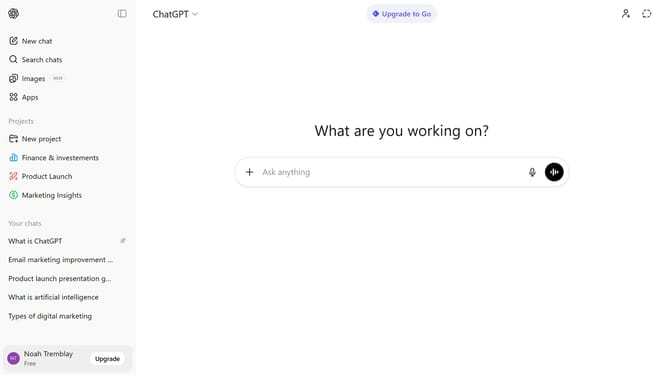
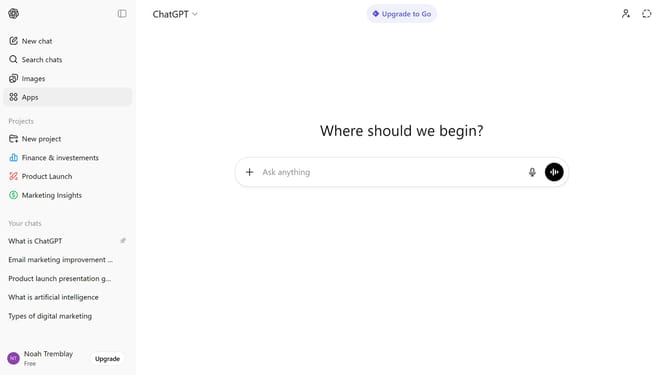
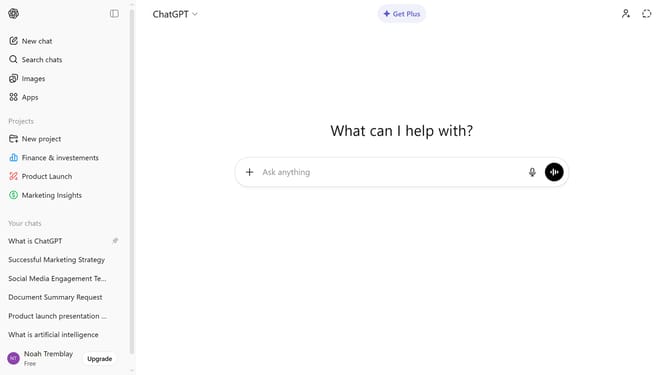
Here is how to delete all your chats in chatgpt
- First click on your profile at the bottom of the sidebar
- Next click on "Settings" option from the profile menu
- Click on "Data controls" from the settings sidebar
- Then click on "Delete all" button in the data controls panel
- Finally click on "Confirm deletion" button in the confirmation dialog
Why should you delete all your chats in ChatGPT
ChatGPT is a powerful tool designed to facilitate intelligent conversation and provide insightful answers on a multitude of topics.
The feature to delete all your chats in ChatGPT brings a sense of control and privacy to your online interactions.
By clearing your chat history, you not only declutter your interface but also protect sensitive exchanges, ensuring peace of mind.
This functionality allows you to maintain a fresh start, making every new interaction as seamless as your last.
Last update