How to connect Lovable to ChatGPT
Here is how to connect lovable to chatgpt
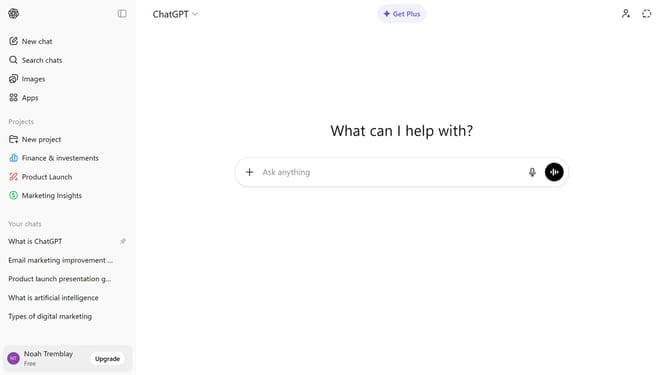
- First click on "Apps" option in the left sidebar
- Next, click the search field and type "Lovable"
- Then select "Lovable" from the search results
- Click on the "Connect" button in the top right corner of the Lovable app page
- Next click on the "Continue" button in the connection dialog
- Then log in to your Lovable account from the login page that appears
- Finally review the permissions list and click on "Allow" in the authorization dialog
Why should you connect Lovable to ChatGPT
ChatGPT is an advanced AI designed to engage in human-like conversations efficiently.
Connecting Lovable to ChatGPT enhances user interactions with seamless and intelligent conversational responses.
This integration allows Lovable users to experience a more dynamic and engaging platform, tailored to meet their specific conversational needs.
The benefit of merging these technologies lies in enriching communication by providing instant and insightful responses, boosting overall satisfaction and user experience.
Last update