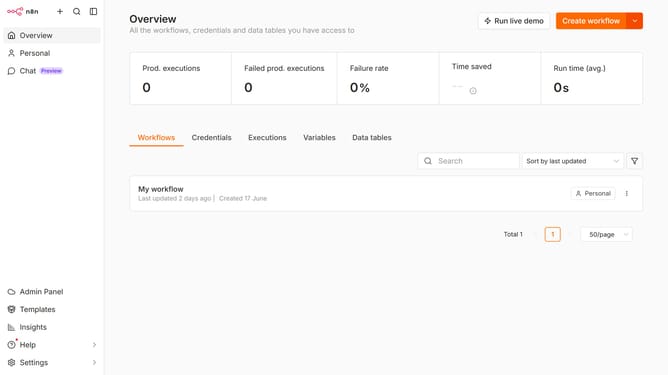
How to limit DeepSeek chat provider models in n8n
Here is how to limit deepseek chat provider models in n8n
- First click on "Settings" in the sidebar
- Then click on "Chat" in the sidebar menu
- Then click on the three dots icon for DeepSeek
- Then click on the "Edit provider" button
- Then click on the "limit models" toggle to enable it
- Then click on the "Select a model" dropdown
- Then select the desired model from the options
- Finally click on the "Confirm" button
Why should you limit DeepSeek chat provider models in n8n
n8n is a powerful automation tool designed to interconnect disparate platforms and streamline complex workflows with ease.
Limiting DeepSeek chat provider models in n8n can greatly enhance your workflow's coherence and efficiency. By selecting specific models, you tailor the chat interactions to meet your unique business needs, ensuring more relevant and focused exchanges.
This feature empowers users to maintain greater control, increasing the relevance of information processed and reducing unnecessary data flow, thus optimizing productivity.
Last update