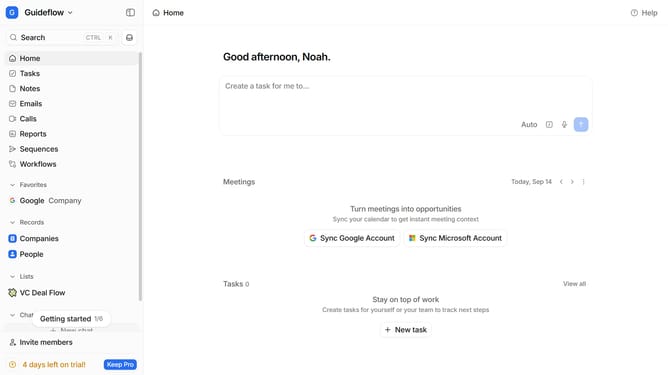
How to integrate Netrows in Attio
Here is how to integrate netrows in attio
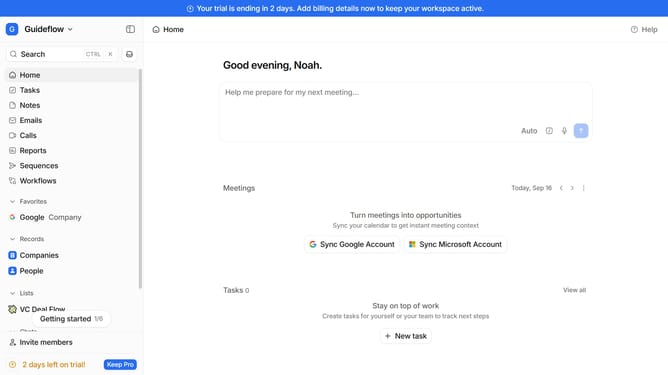
- First click on the company name dropdown button in the header
- Then click on "Apps and integrations" in the sidebar
- Next click on "Data and enrichment" in the sidebar
- Then click on the "View All" button to see all available apps under the "Data and enrichment" section
- Next click on "Netrows" under the "Data and enrichment" category
- Then click on the "Install" button
- Next click on the "Confirm" button to grant access
- Then click on the "+ Connect" button
- Next, enter a value in the "Workspace Connection (required)" input field
- Finally click on the "Add connection" button and continue with the configuration to complete the integration
Why should you How to integrate Netrows in Attio
Attio is a dynamic platform designed to revolutionize relationship management by integrating powerful tools for seamless collaboration.
Integrating Netrows in Attio amplifies its capabilities by providing enhanced data synchronization and streamlined workflows.
By using Netrows within Attio, users gain the advantage of real-time data updates, ensuring their teams stay informed and aligned.
This integration not only enhances productivity but also fosters more cohesive teamwork by centralizing essential information in one intuitive interface.
Last update