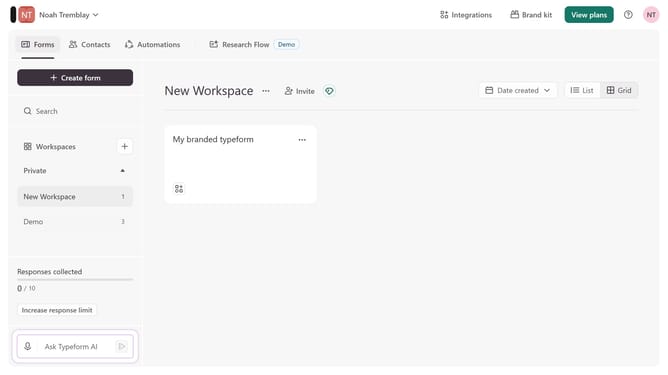
How to integrate a workspace to Zapier via Productivity in Typeform
Here is how to integrate a workspace to zapier via productivity in typeform
- First, click on a workspace in the left sidebar
- Then, click on the "Integrations" button in the top menu
- Next, click on the "Find an integration" button
- Then, click on the "Productivity" category in the left sidebar
- Finally, click on the "Zapier" integration
Why should you integrate a workspace to Zapier via Productivity in Typeform
Typeform, known for its engaging and customizable surveys, elevates user interaction.
Integrating a workspace to Zapier via Productivity in Typeform enhances automation capabilities. This seamless connection empowers users to streamline tasks efficiently across multiple platforms.
Utilizing this feature reduces manual input, saving time and reducing errors. It offers businesses the advantage of swift data flow and real-time updates, ensuring productivity and consistency in operations.
Last update