How to add a Hubspot content to an existing typeform in Typeform
Here is how to add a hubspot content to an existing typeform in typeform
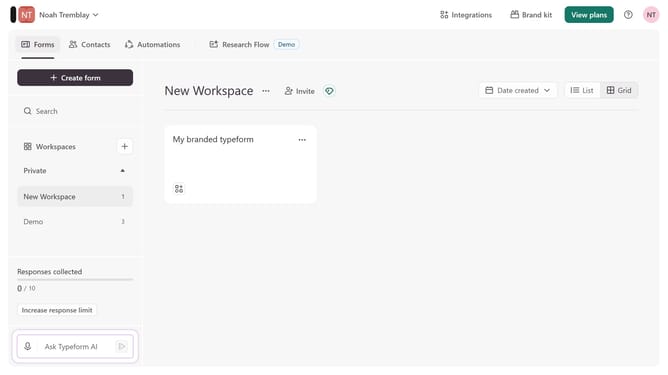
- First click on the a workspace item in the sidebar
- Then click on the "..." icon next to a chosen Typeform
- Then select "Content" from the dropdown menu
- Then click on the "+ Add content" button
- Finally select "Hubspot" from the "Connect to apps" section
Why should you add a Hubspot content to an existing typeform in Typeform
Typeform is a versatile tool that creates engaging forms and surveys that captivate audiences.
Embedding Hubspot content into a Typeform elevates the interactive experience, letting users effortlessly blend marketing insights with dynamic queries.
This integration enhances data collection by merging personalized content with interactive questions, fostering rich user engagement.
Leveraging this feature streamlines workflow efficiencies and drives deeper customer insights, making each response more valuable.
Last update