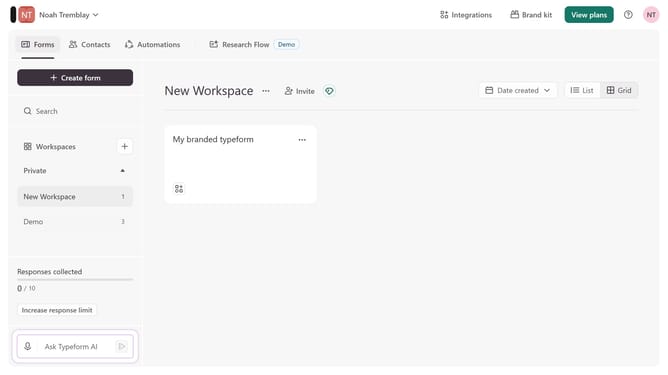
How to integrate a workspace to Notion via Analytics & reporting in Typeform
Here is how to integrate a workspace to notion via analytics & reporting in typeform
- First click on a workspace in the sidebar
- Then click on the "Integrations" button in the header menu
- Next, click on the "Find an integration" button on the Integrations page
- Then click on "Analytics & reporting" in the left sidebar menu
- Finally, click on the "Notion" integration card
Why should you integrate a workspace to Notion via Analytics & reporting in Typeform
Typeform is a versatile tool designed to create engaging forms and surveys with ease.
Integrating a workspace from Typeform to Notion via Analytics & Reporting allows users to efficiently manage data flow and insights between platforms.
This seamless connection ensures that all your gathered data from Typeform is automatically organized in Notion, enhancing productivity and enabling easy access to vital information.
By using this integration, teams can cultivate a more streamlined workflow, minimizing manual data entry and maximizing focus on more strategic tasks.
Last update