How to integrate a workspace to Eureka Survey in Typeform
Here is how to integrate a workspace to eureka survey in typeform
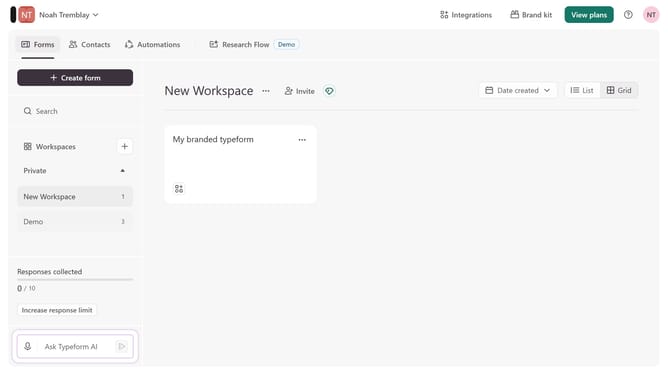
- First click on a workspace item in sidebar
- Then click on "Integrations" button in the header
- Click on "Find an integration" button
- Then select "Research & customer experience" category
- Finally click on the "Eureka Survey" button
Why should you integrate a workspace to Eureka Survey in Typeform
Typeform revolutionizes the way we gather information with its engaging and interactive form design capabilities.
Integrating a workspace to Eureka Survey in Typeform enhances the user experience by enabling seamless data collection and analysis. Through this integration, users can effortlessly funnel their survey results into Typeform, ensuring their data is organized and easily accessible.
This integration simplifies processes and boosts productivity, making it a valuable tool for those looking to enhance their survey efficiency and data-driven decision-making efforts.
Last update