How to give viewer access to a user in a space in GitHub Copilot
Here is how to give viewer access to a user in a space in github copilot
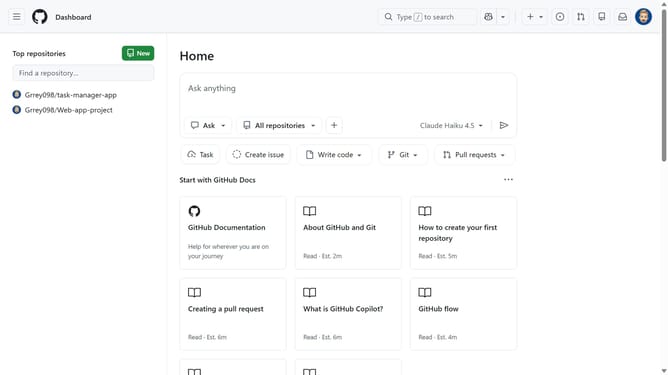
- First click on the "Copilot" button in the top navigation bar
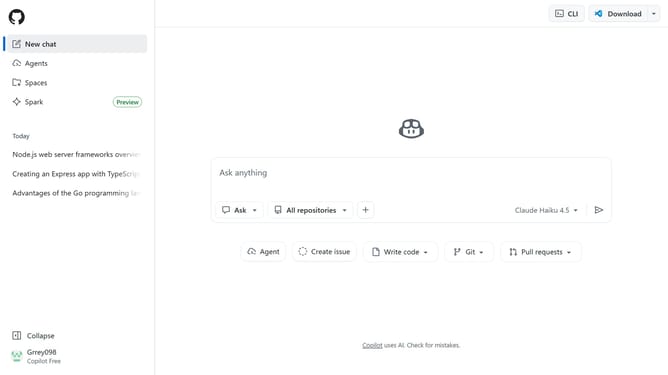
- Next click on "Spaces" option in the left sidebar
- Find the space you want to manage
- Click on the three-dot menu button next to the space
- Then click on "Share" option in the dropdown menu
- Locate the user whose permission you want to change
- Click on the role dropdown button next to it
- Finally select "Viewer" in the role selection dropdown
Why should you give viewer access to a user in a space in GitHub Copilot
GitHub is a dynamic platform designed for developers to collaborate and manage projects with ease.
Granting viewer access to a user in a space within GitHub Copilot enhances communication and allows for seamless collaboration on code projects. By providing this level of access, teams can ensure that their combined efforts remain aligned and transparent.
This feature empowers team members to stay informed, offering a holistic view of the project’s workflow. Leveraging this capability can significantly boost productivity and foster a harmonious development environment.
Last update