How to generate invite link in n8n
Here is how to generate invite link in n8n
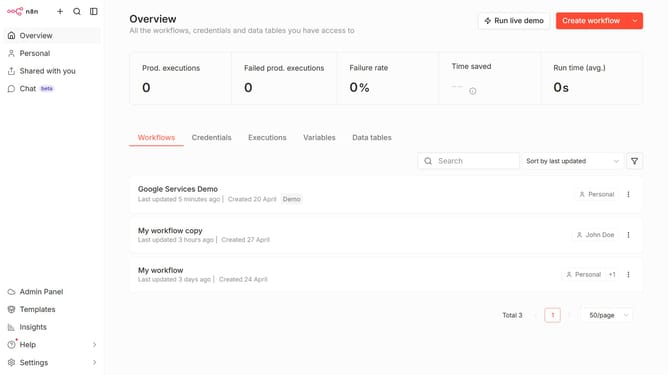
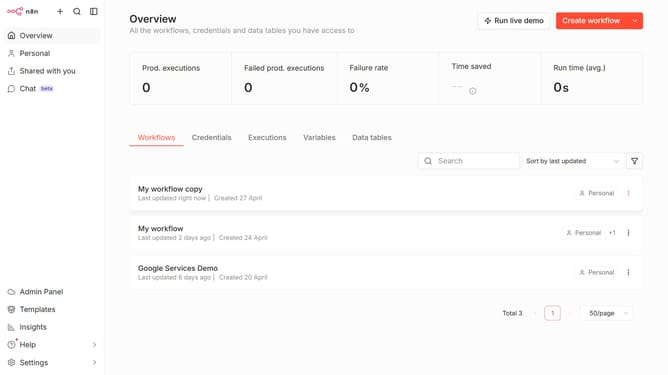
- First click on "Settings" in the left sidebar
- Then click on "Users" option from the menu
- Then click on the options icon next to the pending user
- Finally click on "Generate Invite Link" button
Why should you generate invite link in n8n
n8n is an intuitive automation tool designed to streamline complex workflows with ease.
The feature to generate an invite link in n8n is an essential aspect for collaborative efficiency.
By using invite links, teams can seamlessly onboard new members, ensuring everyone has easy access to shared resources.
This enhances collaboration, increases transparency, and facilitates a smooth workflow integration.
Overall, generating invite links helps maintain organized and cohesive teamwork in n8n's dynamic environment.
Last update