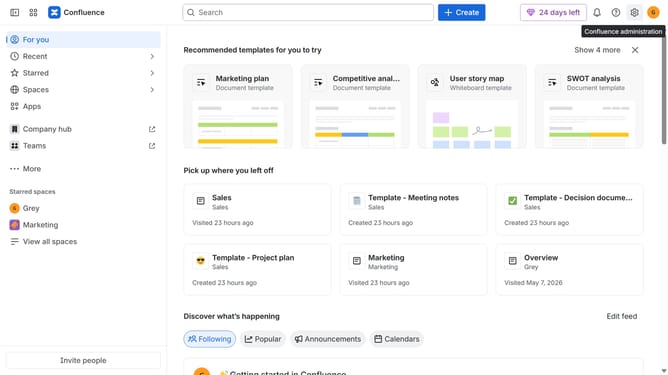
How to filter apps by Mobile use case in the Confluence Marketplace
Here is how to filter apps by mobile use case in the confluence marketplace
- First click on "Apps" in the left sidebar
- Next, click on the "Explore more apps" option
- Click on the "Use cases" filter below the search bar
- Then, select the "Mobile" checkbox
- Optionally, select additional use case options
Why should you filter apps by Mobile use case in the Confluence Marketplace
Confluence is a dynamic workspace designed to facilitate efficient team collaboration and knowledge sharing.
Filtering apps by Mobile use case in the Confluence Marketplace enhances your search experience by quickly narrowing down relevant tools tailored to mobile needs. This feature is a game-changer for those looking to optimize their mobile productivity, ensuring you find apps that are compatible with your on-the-go workflow.
By focusing on mobile-specific solutions, users can boost their efficiency without sifting through countless irrelevant options, making it a streamlined and user-friendly approach to customizing your Confluence experience.
Last update