Close
Close is a sales CRM platform for inside sales teams to manage leads, calls, and email outreach.
Website
Industry
Leadgen
Share this article:

How to enable 2FA on Close.com

Here is how to enable 2fa on close.com

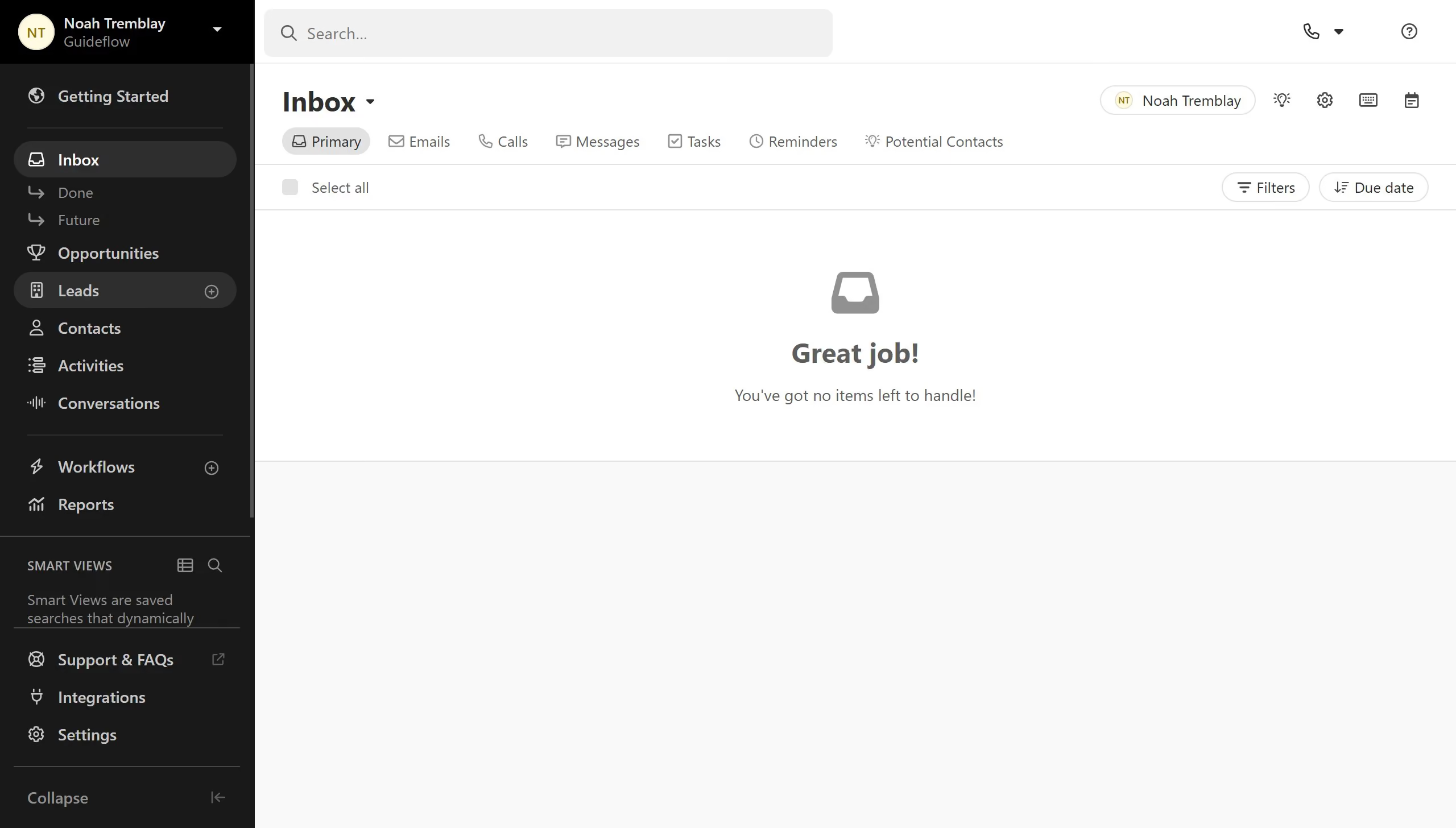
  1. First click on "Settings" in the sidebar
  2. Then click on "Enable..." button in the Two-Factor Authentication section
  3. Then enter the 6-digit code in the verification code input field
  4. Finally click on "Verify" button in the QR code modal dialog

Create your own interactive guide with Guideflow

Why should you enable 2FA on Close.com

Close is a dynamic CRM platform designed to streamline sales processes and boost team productivity.

Enabling Two-Factor Authentication (2FA) on Close.com enhances your account’s security by requiring a second verification step before granting access.

This added layer of protection ensures that even if your password is compromised, only you can access your account, significantly reducing security breaches.

Using 2FA is a proactive step towards safeguarding sensitive sales data, instilling confidence and peace of mind in your everyday operations.

Last update
May 6, 2026
Cursor MariaA cursor points to a button labeled "James."

Create your first demo in less than 30 seconds.