How to edit job alerts in LinkedIn
Here is how to edit job alerts in linkedin
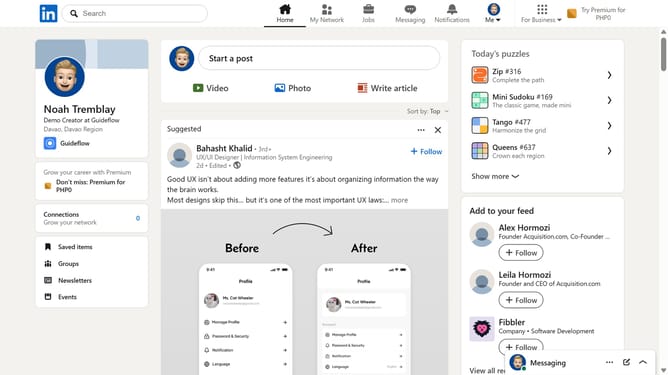
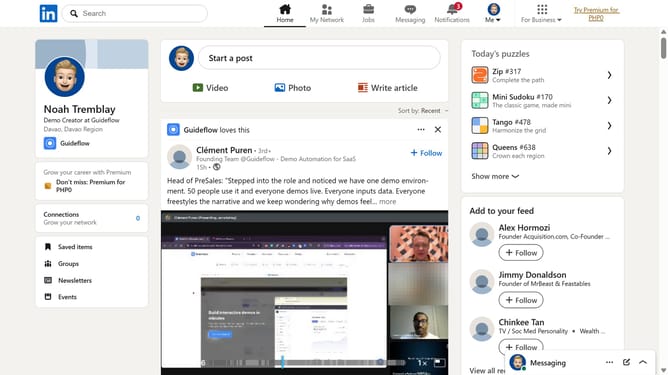
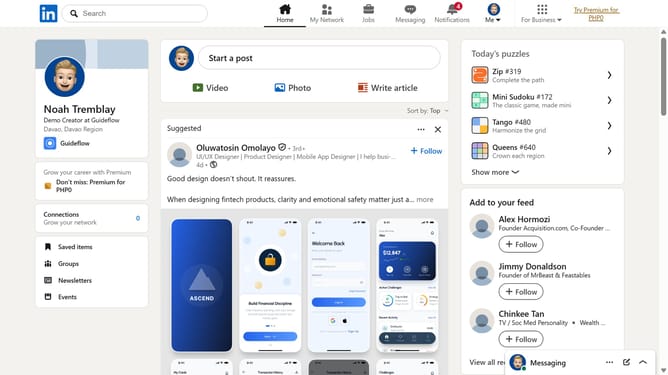
- First click on the "Jobs" button in the top navigation menu
- Then click on the "Preferences" link in the left sidebar menu
- Next click on the "Job alerts" option in the preferences menu
- Next find the job alert you want to edit and click the pencil (edit) icon
- Then update your alert preferences such as title, location, frequency, or notification type
- Finally click on the "Save" button to confirm your job alert settings
Why should you edit job alerts in LinkedIn
LinkedIn is a leading platform for professional networking and career opportunities.
By mastering the art of editing job alerts on LinkedIn, users can tailor their job search to align with their specific career goals and interests.
This feature ensures that the job postings users receive are relevant, timely, and tailored to their preferences, enhancing the overall job search experience.
Effectively managing job alerts helps individuals stay ahead in the competitive job market by keeping them informed about the latest opportunities in their desired fields.
Last update