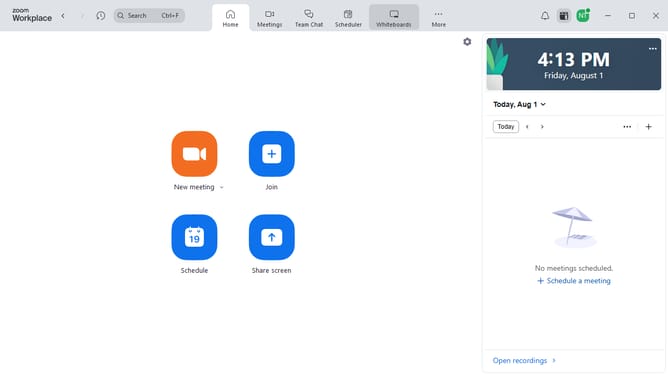
How to disable page icon in Zoom Docs
Here is how to disable page icon in zoom docs
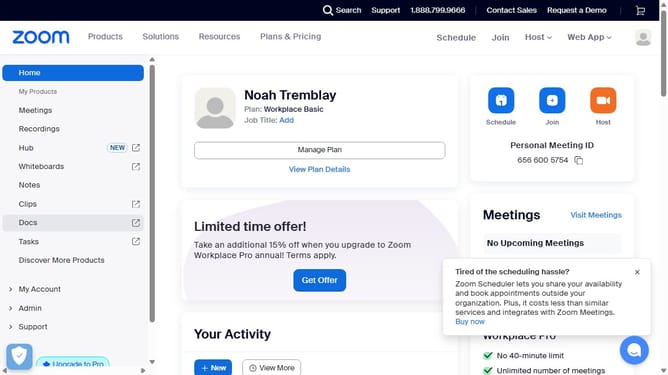
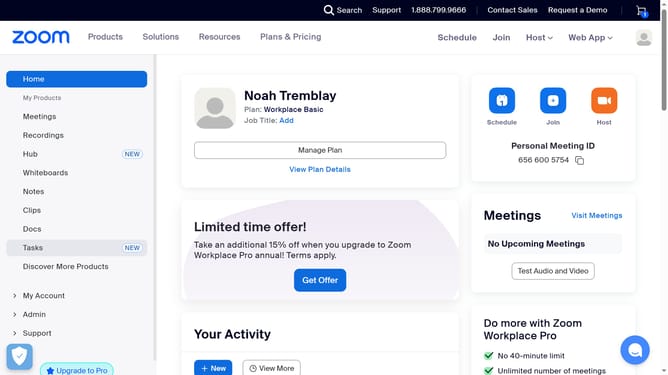
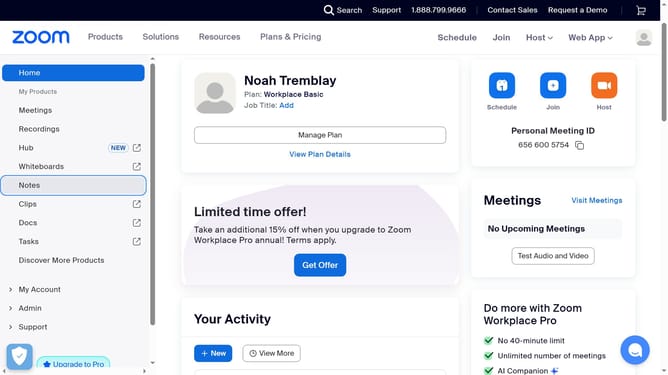
- First click on the "Docs" option in the left sidebar menu
- Then open the document where you want to enable the page icon
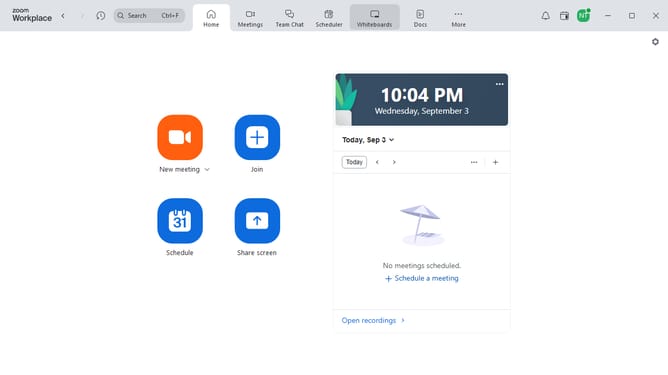
- Next click on the "More" menu button in the top toolbar
- Then select "Page options" from the dropdown menu
- Finally turn off the "Icon" toggle to hide the page icon
Why should you disable page icon in Zoom Docs
Zoom is a powerful platform aimed at enhancing communication and collaboration across the globe.
Disabling the page icon in Zoom Docs is a feature that offers a cleaner and less distracting workspace for users who prefer minimalistic design.
This option helps streamline your document viewing experience by removing unnecessary visual clutter, allowing you to focus more on content and discussions.
With this feature, you can enjoy a more organized and efficient workflow, ultimately boosting productivity within your team.
Last update