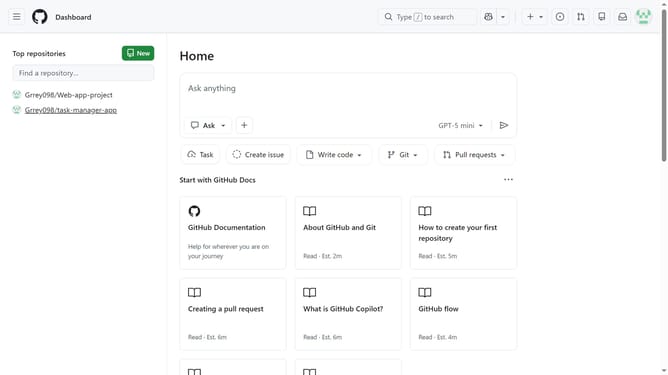
How to disable automatic deletion of head branches in a GitHub repository
Here is how to disable automatic deletion of head branches in a github repository
- First open the repository where you want to disable automatic branch deletion
- Next click on "Settings" tab in the repository navigation menu
- Click on "General" option in the settings left sidebar menu
- Scroll down to the "Pull Requests" section on the settings page
- Then locate the "Automatically delete head branches" option
- Finally uncheck the checkbox to disable automatic deletion of head branches
Why should you disable automatic deletion of head branches in a GitHub repository
GitHub is a vibrant platform designed to streamline collaboration and version control in software development.
Disabling the automatic deletion of head branches in a GitHub repository is a useful feature that allows developers to maintain continuous project visibility. This feature is particularly beneficial for those who wish to retain branch history for future reference and collaborative insights.
By preventing the automatic deletion, you keep your workflow flexible, offering team members ample time to review, learn from past developments, and avoid the unintended loss of valuable code contributions.
Last update