How to create Gong OAuth2 API credential in n8n
Here is how to create gong oauth2 api credential in n8n
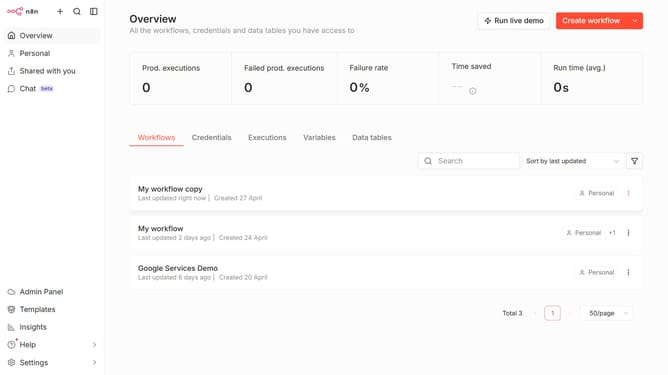
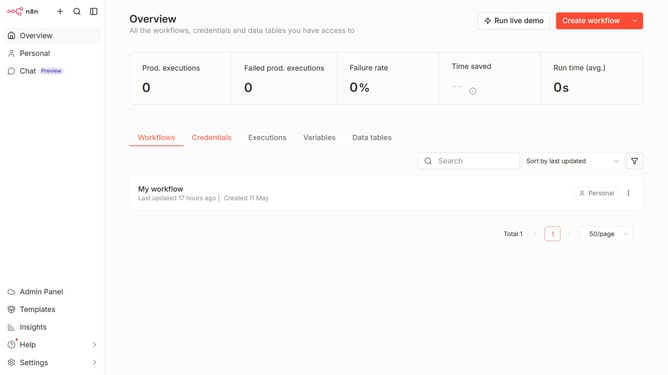
- First click on the dropdown arrow next to "Create workflow" button.
- Then click on "Create credential" button.
- Next, click on the "Search for app..." input field.
- After that, type "gong" into the search field and click on "Gong OAuth2 API".
- Then click on the "Continue" button.
- Next, fill in the necessary input fields.
- Finally click on the "Connect to Gong" button.
Why should you create Gong OAuth2 API credential in n8n
n8n is a versatile, node-based workflow automation tool that connects various applications and services seamlessly.
Creating Gong OAuth2 API credentials within n8n empowers users to integrate with Gong effortlessly, enhancing workflow efficiency and data synchronization.
This feature enables secure, seamless authentication, saving time while allowing deeper insights through automated data exchanges.
By utilizing this integration, businesses can streamline communication workflows, ensuring efficient operations and improved data management.
Last update