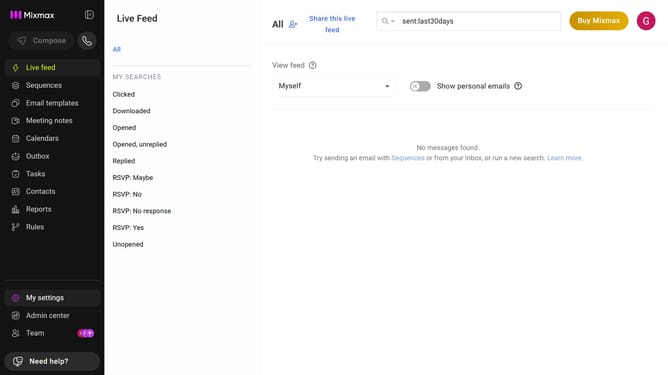
How to copy your public calendar link in Mixmax
Here is how to copy your public calendar link in mixmax
- First click on "My settings" in the sidebar menu
- Next click on "Calendar" in the settings menu
- Then locate the "Public calendar" section
- Finally click on the "Copy" button next to the link
- The link is now copied to your clipboard. You can share it with others
Why should you copy your public calendar link in Mixmax
Mixmax is a powerful productivity tool designed to enhance your email and scheduling experience seamlessly.
One standout feature is the ability to easily copy your public calendar link, streamlining collaboration and scheduling. By making your availability transparent, you ensure smoother communication and less back-and-forth with colleagues or clients.
This feature is particularly beneficial for professionals looking to optimize their time management. It provides a hassle-free way to share your schedule, enhancing efficiency and productivity throughout your workflow.
Last update