How to connect Adobe Express to ChatGPT
Here is how to connect adobe express to chatgpt
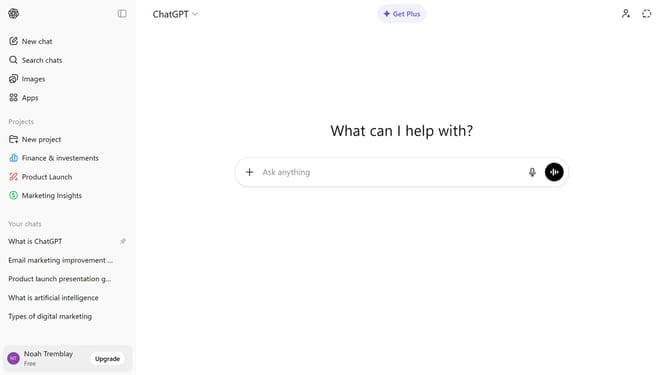
- First click on the "Apps" button in the left sidebar
- Next, click the search field and type "Adobe Express"
- Then select "Adobe Express" in the search results
- Click on the "Connect" button in the top right corner of the Adobe Express app page
- After that click on the "Continue" button in the connection dialog popup
- Finally proceed with the Adobe sign-in page that appears
Why should you connect Adobe Express to ChatGPT
ChatGPT is a powerful AI language model designed to assist with information and inspiration.
Integrating Adobe Express with ChatGPT seamlessly enhances creative workflows by combining intuitive design tools with innovative AI-driven insights.
This connection enables users to craft compelling content faster, making the design process more dynamic and efficient.
Experience the synergy of automation and creativity, streamlining projects to unlock new levels of productivity and inspiration.
Last update