How to disconnect Semrush from ChatGPT
Here is how to disconnect semrush from chatgpt
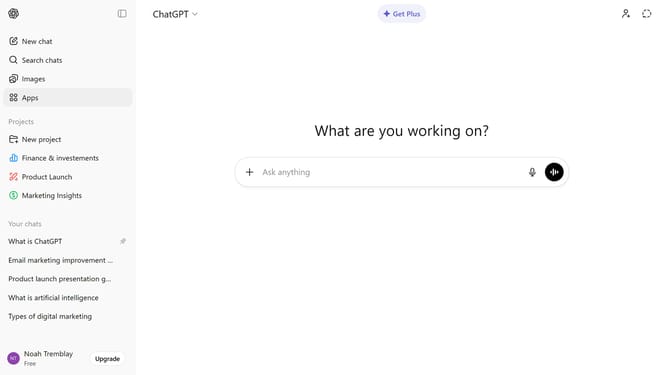
- First click on the "Apps" option in the left sidebar
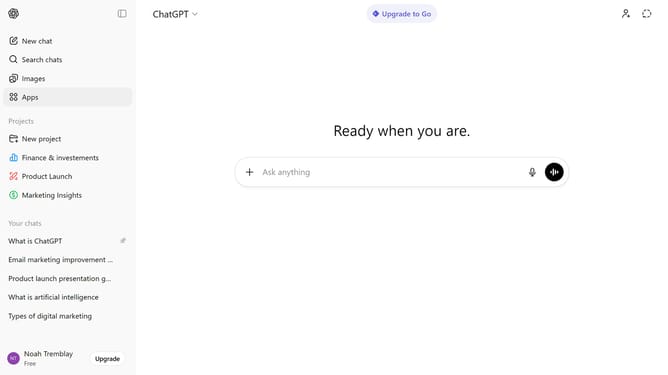
- Next click on the settings icon in the top right header
- Then select "Semrush" from the enabled apps list
- Finally click on the "Disconnect" button
Why should you disconnect Semrush from ChatGPT
ChatGPT is a powerful tool designed to engage in seamless conversations with users by leveraging artificial intelligence.
Understanding how to disconnect Semrush from ChatGPT provides users the flexibility to manage their digital resources efficiently.
This feature is particularly beneficial for those who aim to streamline their tool usage, ensuring that only active and necessary integrations are maintained.
Ultimately, this capability enhances the overall user experience by offering control and customization over the connected platforms.
Last update