How to connect a form to ReportGorilla in Typeform
Here is how to connect a form to reportgorilla in typeform
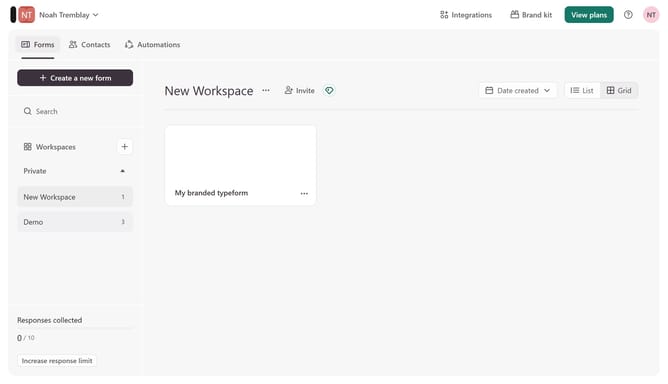
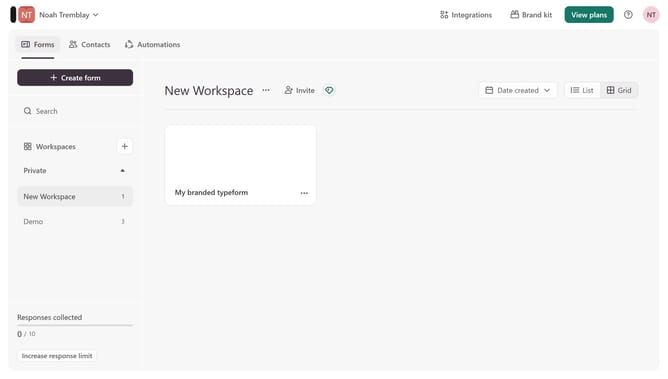
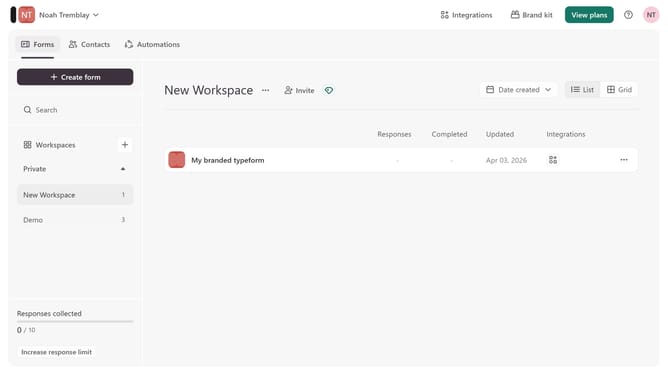
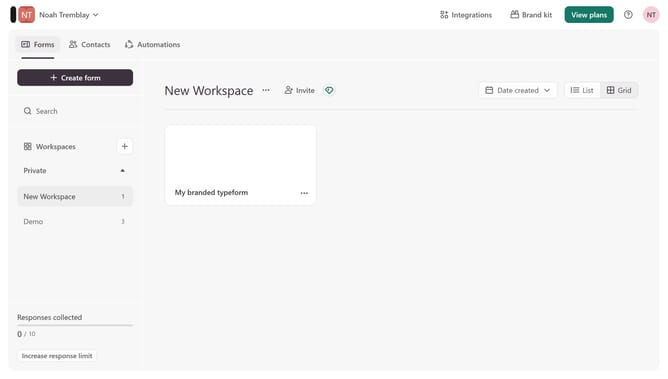
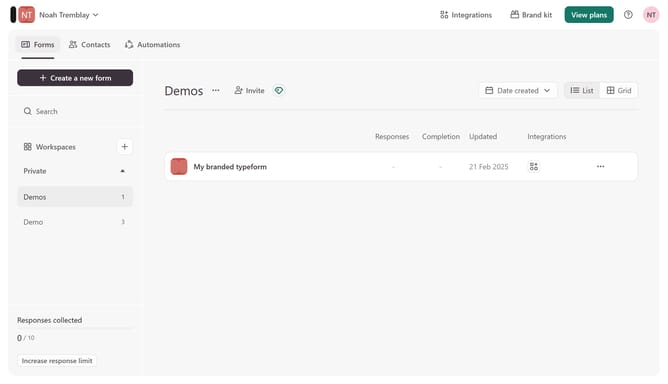
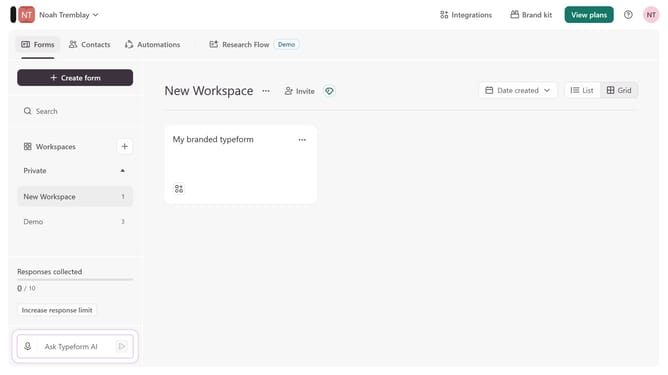
- First select a workspace in the left sidebar
- Then click on the "..." button
- Finally click on "Connect" in the menu
- Then click on the "Connect" button for "ReportGorilla"
Why should you connect a form to ReportGorilla in Typeform
Typeform is an intuitive online platform designed for creating engaging and interactive forms and surveys with ease.
Connecting a form to ReportGorilla in Typeform enhances your data analysis capabilities by allowing seamless integration between the two platforms.
This feature lets you effortlessly transfer collected data from Typeform to ReportGorilla, enabling better insights and reporting.
Using this connection streamlines your workflow, increases productivity, and ensures that your decision-making process is backed by real-time, accurate data.
Last update